|
Curso de Paint Shop Pro
(PSP)
13 Trabajado en
Piedra Step
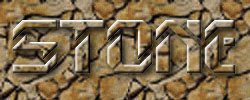
1 Create a new image, 200 x 100, 64M colours.
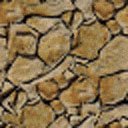
Select the Fill tool, pattern and load in your chosen stone pattern, you
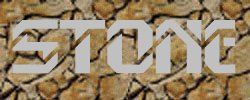
can use one of these if you don't have one. Step 2 Add your text, don't clear the selection.
Step 3 Switch back to the Fill tool (press F). Fill
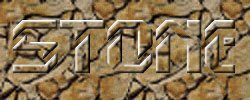
the individual parts of the letters. The text will pretty much disappear
at this stage. Finally, add the Cutout 3D sequence. Step 4 Adding a drop shadow to the text lifts the
text out a little more.
Espero que les sirva de algo
la ayudita
|
|
|