|
Curso de Paint Shop Pro
(PSP)
05 Fondo Texturado
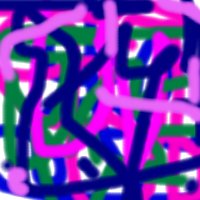
Step 1 Start with a new file, white with 16 million
colors. I began with a file that was 200 x 200. Now choose your spray
can, set the size to about 15 - 25, and spray a variety of colors. You
can use shades of the same color, or completely different colors. When
you're done you should have something like this:
Step 2 Now go to Image, Deformations: Wind. It
doesn't matter if you select from the right or from the left, but set
the strength to 20. When this is finished, choose Image, Rotate. Select
90 degrees. Next repeat the wind deformation. You should apply Wind four
times, rotating the image 90 degrees between each application. You
should get something that looks like a close-up of a watercolor.
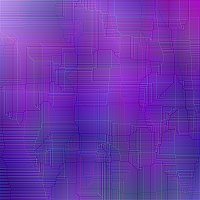
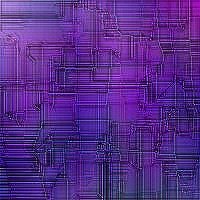
Step 3 Next, go to Image, Edge Filters: Edge
enhance. Then apply Edge Enhance More. This should give you the subtle
woven texture.
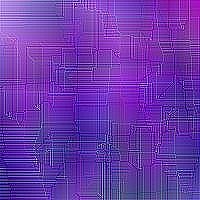
Step 4 To complete your project, use the Shape
Select tool and outline a square, then go to Image, Special Effects:
Create Seamless Pattern.
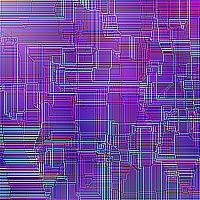
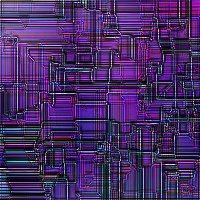
Step 5 If the pattern is just too subtle for you,
try using Edge Enhance or Edge Enhance More again. This gives a very
complicated geometric pattern of lines, which is extremely pronounced if
you use Edge Enhance More.
Step 6 Or if you want it more three dimensional,
switch your foreground color to white and hit it with a Hotwax coating (Image,
Other: Hotwax). Then select your square and create a seamless pattern.
Espero que les sirva de algo
la ayudita
|
|
|