|
Curso de Photoshop 6.0
18
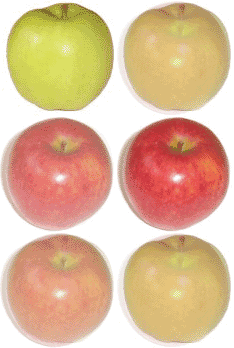
Animacion trancición
Step 1 Open Photoshop and open the two (preferably same sized) images to be
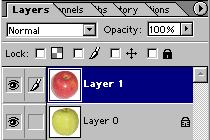
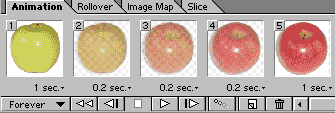
animated. Step 2 Drag one image on other to get the following layer structure. Step 3 File > Jump To > Image Ready 3.0 Step 4 Set the timings for frames. Save the file with File > Save Optimized or File > Save Optimized As
Espero que les sirva de algo
la ayudita
|
|
|