|
Curso de Photoshop 6.0
16 Texto
con Movimiento
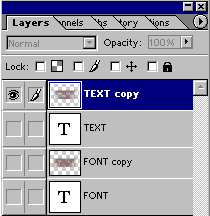
Step 1 Type two different texts with the same color on transparent
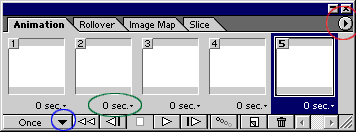
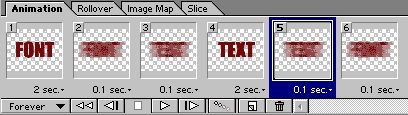
background with two different layers. Step 2 File > Jump To > Image Ready 3.0 Step 3 Select " Make Frames from Layers ". Step 4 Set the timings for frames. Save the file with File > Save Optimized or File > Save Optimized As
Espero que les sirva de algo
la ayudita
|
|
|