|
Curso de Photoshop 6.0
15 Máscara
Animada
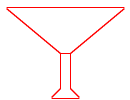
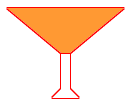
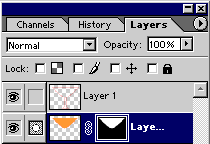
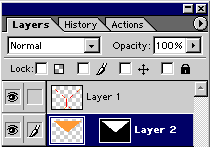
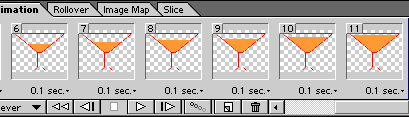
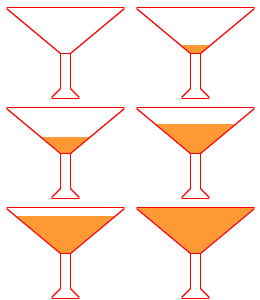
Step 1 This animation is created using Masking Technique of Photoshop. Step 2 Select upper layer and click in the top portion with Magic Wand Tool.
Select Bottom layer and fill the selection with the desired color. Step 3 Keep the bottom layer image selected. Step 4 File > Jump To > Image Ready 3.0 Step 5 Drag the right side image to the left hence you will get empty glass
in the left (1st Frame) and filled glass at the right (2nd Frame) in the
animation palette. Step 6 Set the timimgs for frames. Save the file with File > Save Optimized or File > Save Optimized As
Espero que les sirva de algo
la ayudita
|
|
|