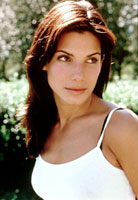
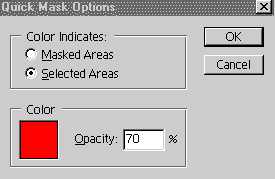
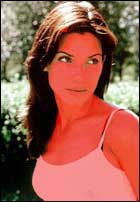
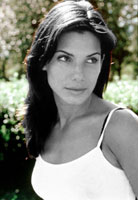
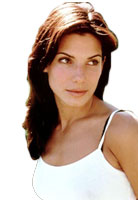
Figure 1: Select paint brush with hard edge. The
size of the brush depends upon the area you are going to
paint or mask. For minute areas, the small sized brush is
advisable. Keep black color as foreground and start
painting the area you want to select.
If by mistake you painted something out of limit, turn
white as foregoing and erase the red color with the same
brush.
Use different size of brushes and zoom the image to paint
minutely.
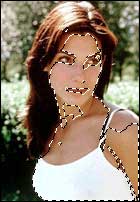
Figure 2: When you will finish with painting, click
"Edit in Standard Mode" button. Red color will be replaced
by normal selection.
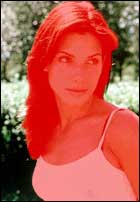
Figure 1 |
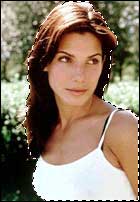
Figure 2 |