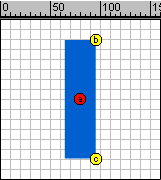
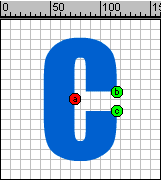
Drag the horizontal & vertical guide lines to get the center.
View > Guides > Lock Guides
Type 'I' with proper size and font. Select the text.
Modify > Break Apart
Cut and paste the text to place it at the center.
Rightclick on the 15 th frame. Select insert Blank keyframe. Type 'C'
with same size and font. Select the text.
Modify > Break Apart
Cut and paste the text to place it at the center.
Click anywhere between 1 to 15.
Modify > frame

Select 'Shape' in the Tweening drop down menu.