
 ChassisMain BoardCentral Processing UnitRandom Access MemoryVideoAudioHard Disk DriveOptical Disk DriveInput DevicesOutput DevicesPower Supply UnitAdditional Hardware
Software
Operating SystemApplication SoftwareMaintenance SoftwareThe system is now fully operational but still lacks functions to perform specific operations. In other words, the application software. These are programs designed to perform specific tasks such as text and graphics editing, electronic gaming, audio and video encoding, and most importantly, virus and malware scanning.
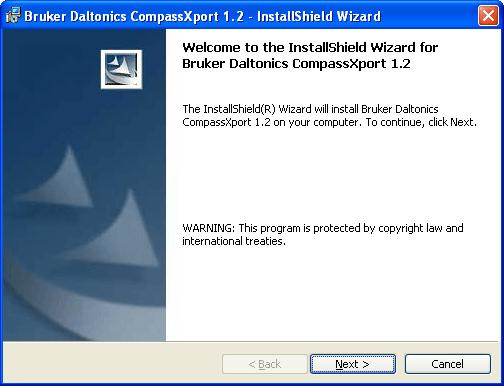
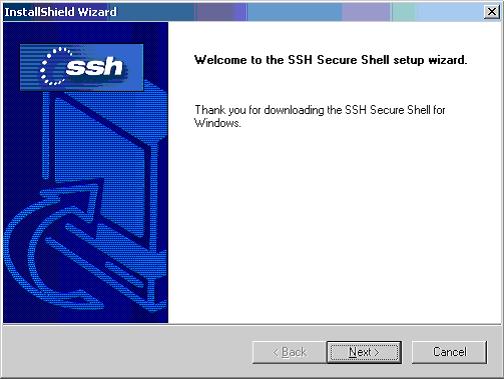
Software setup is pretty simple. Most of the software available in the market are based on automatic setup wizard - The InstallShield. Here are some examples:
Click to enlarge
Click to enlarge
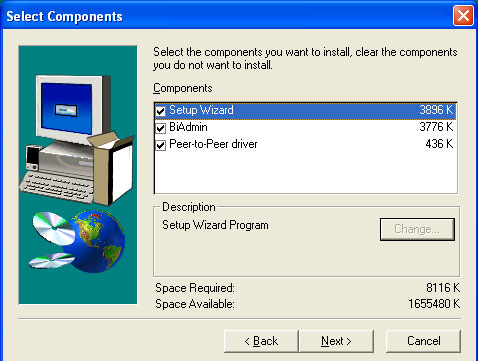
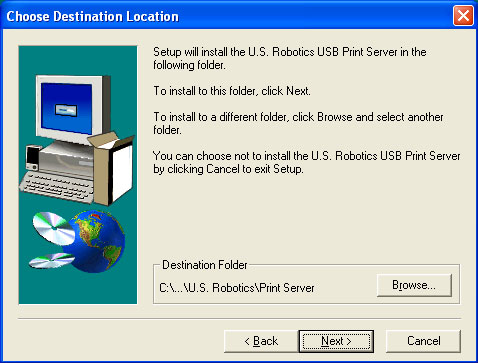
Follow the on-screen instructions to select from program features to setup directory to perform installation. You can start using the software once the setup is done. Antivirus and malware detection programs are recommended to be updated as soon as possible to avoid any chances of system infection. Perform necessary software configuration for optimum performance.
Click to enlarge
Step 1
Click to enlarge
Step 2
 Back
Back

©2006 CHC Team