
BABY

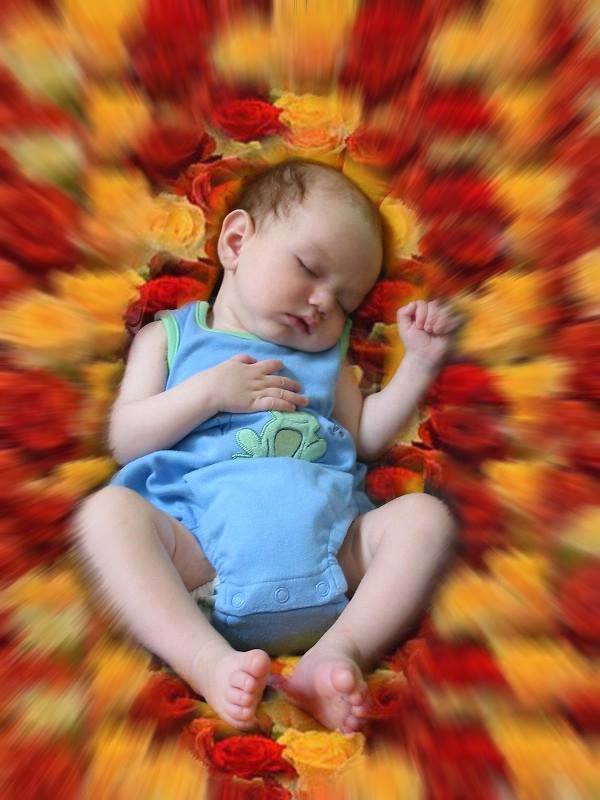
So, here are the steps:
1.Open Adobe Photoshop.
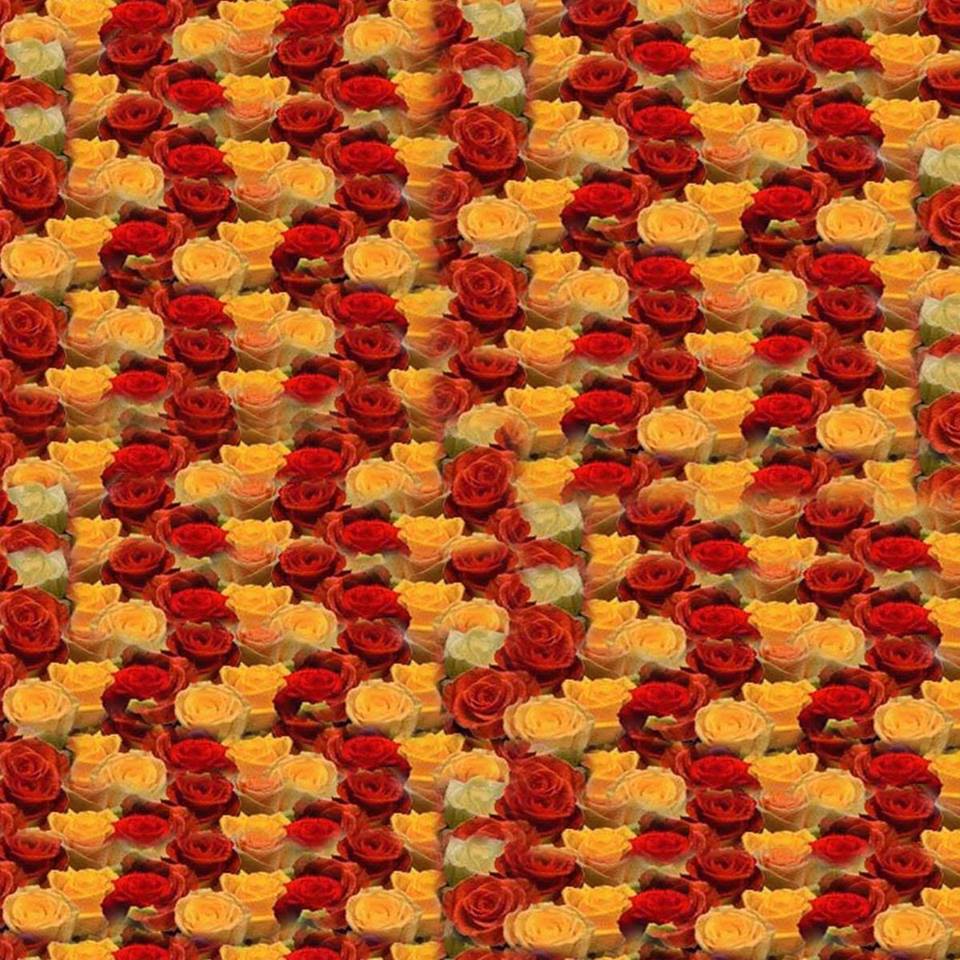
2.Open the files necessary(Baby and pattern) for making it.
3.On the pattern file, Click Edit, then define pattern.
4.On the baby file, use the elliptical marquee tool to draw a circle around the baby.
5.Right click then choose Select Inverse.
6.Click the Pattern Stamp Tool
7.Choose the pattern you had defined.
8.Brush the pattern around your canvass to fill it with that pattern.
9.Click Filter, then Blur, and use Raidial Blur
10.When you're done, save it as a JPEG file.
So, that's how you make this kind of effect in a picture of a baby ^___^