
COLORING IN A DIFFERENT WAY
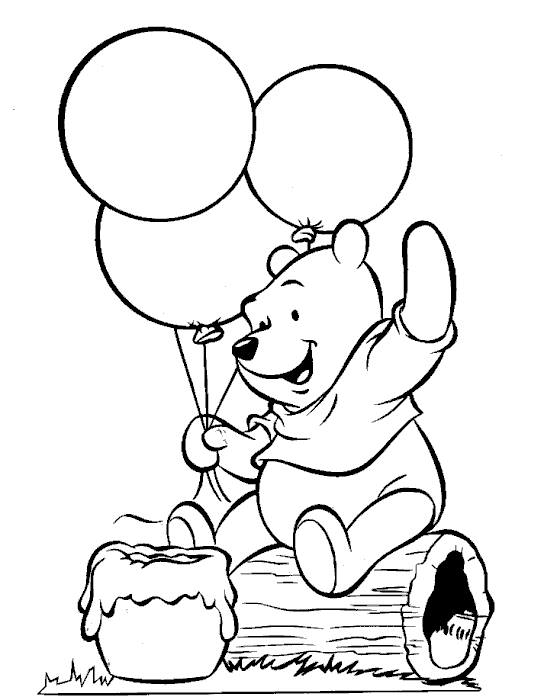
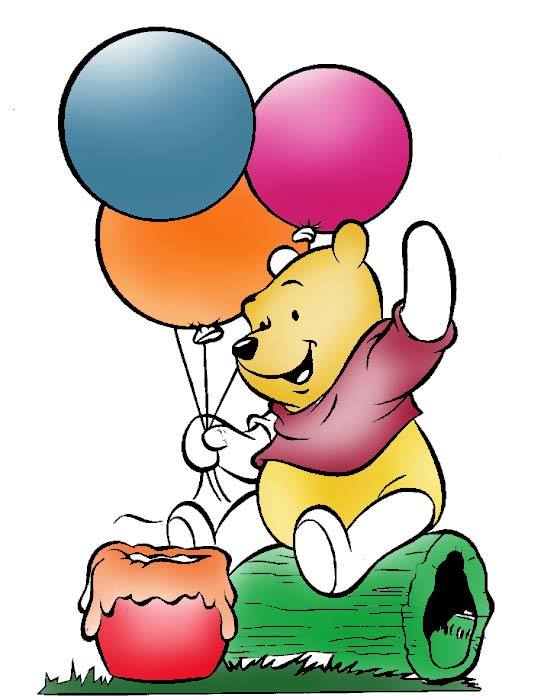
So, here are the steps:
1.Open Adobe Photoshop.
2.Open the picture to be colored.
3.Using the quick selection tool, select the balloons and then color it with your choice by the paint bucket or gradient tool.
4.In coloring the body parts of Winnie the Pooh, you can just use the quick selection tool and then the paint bucket tool.
5.To the other details in the image, just simply use the magnetic lasso tool to select.
6.Color these with different colors of your choice. To add glowing spots in the balloons and other parts, use the dodge tool
7.Click the parts you want to add effects
8.When you're done, save it as a JPEG file.
So, that's how you use Gradient Fill in Photoshop ^_^