
BEAUTIFUL! ^_^
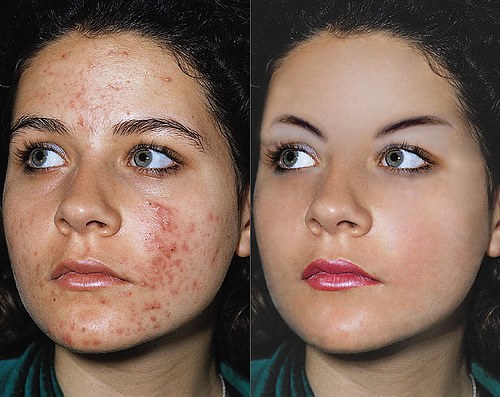
So, here are the steps:
1.Open Adobe Photoshop.
2.Open the necessary files.
3.Click the Healing Brush Tool and Press Alt on your keyboard
4.Put it in one spot of the finished product.
5.After that, slightly brush it in the picture with pimples to remove it.
6.To make the image look real, use dodge tool to lighten the blemishes and use the smudge tool around the face to make it smooth.
7.When you're done, save it as a JPEG file.
So, that's how you remove blemishes in Photoshop ^_^