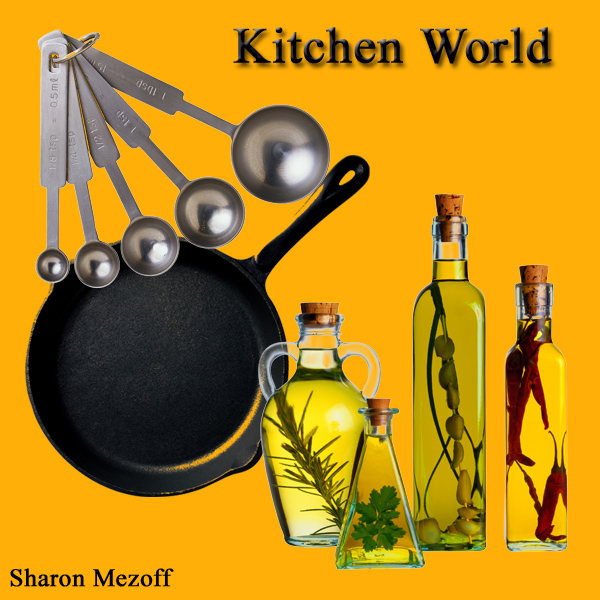
Kitchen World
Procedure:
- Open the application and click file and then new, and what size you want for you new canvass.
- Open the file where you will get your copy.
- Use paint bucket tool to color the new canvass yellow gold.
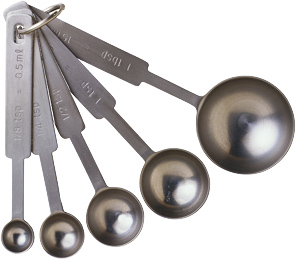
- Use rectangular marquee tool to select the tools in cooking and use move tool to transfer it in your canvass.
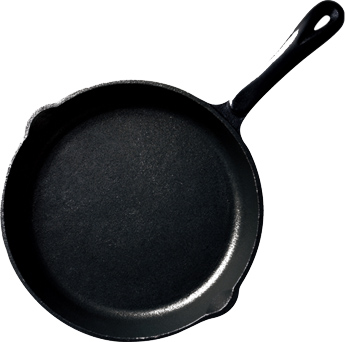
- Select the frying pan and move it in the lower part of the tools.
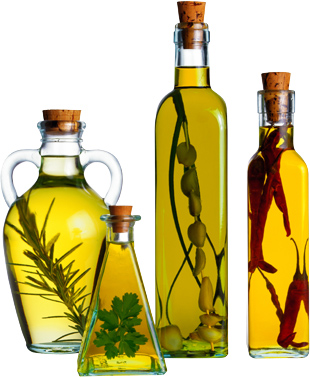
- Select the herbs and put it beside the frying pan .
- Use horizontal type tool to insert text and type your name on the left part of your canvass.
|