Coloring 16
Procedure:
- Open the application.
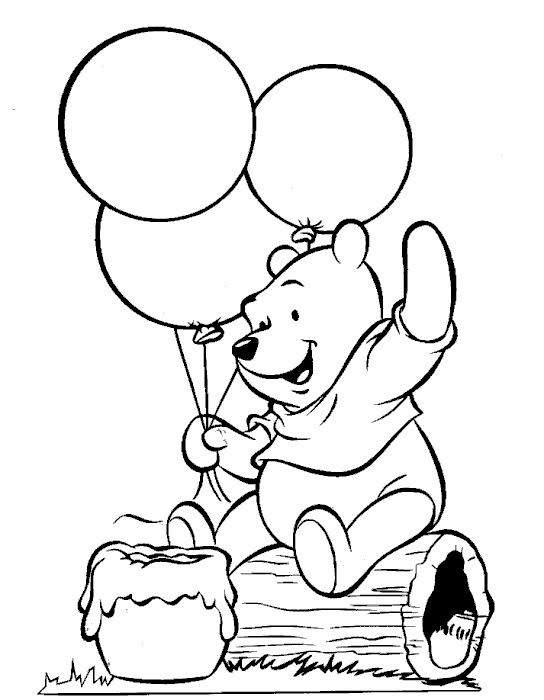
- Open the file that you will edit.
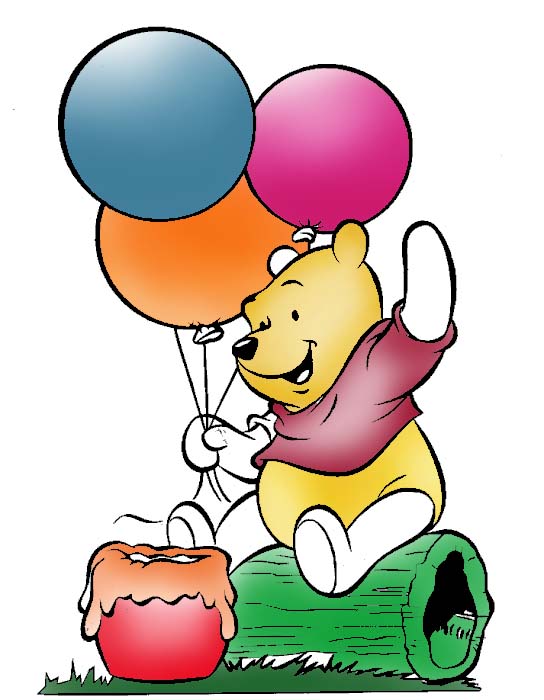
- Color the different part according to the finished product.
- Use brush in coloring and eye dropper tool in choosing the color.
- After coloring all the parts use Dodge tool to brighten some parts of the image.
- Save your image.
|