Procedure:
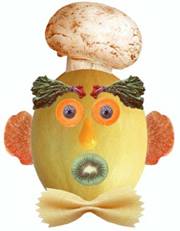
- Open the application and click file and then new, and what size you want for you new canvass.
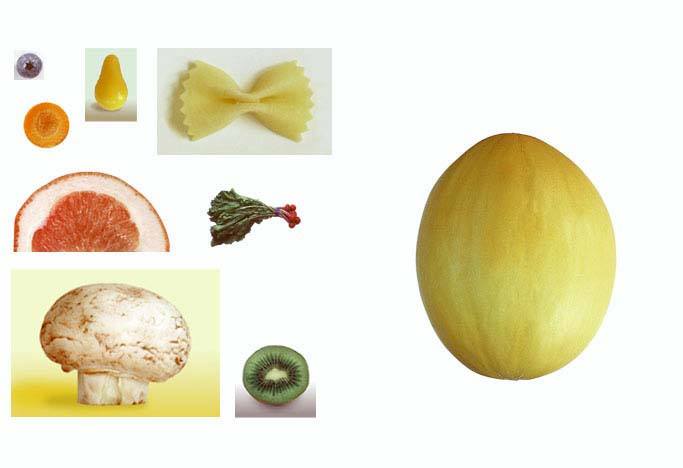
- Open the file where you will get your copy.
- Use rectangular marquee tool to select the tools in selecting each part and use move tool to transfer it in your canvass.
- Make sure that the image you needed only is selected.
- To remove the other parts, use Magic wand tool and delete the parts that are not needed.
- Save your new canvas.
- Close the application.
|