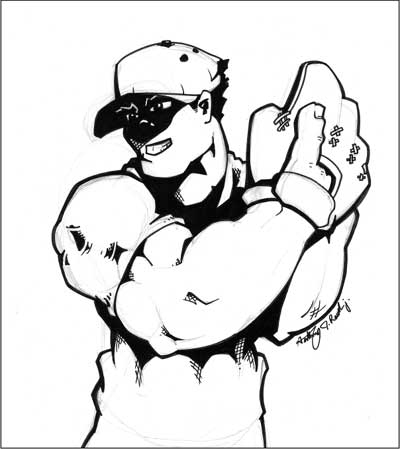
Rawscan
Procedure:
- Open the application.
- Open the file that you will edit.
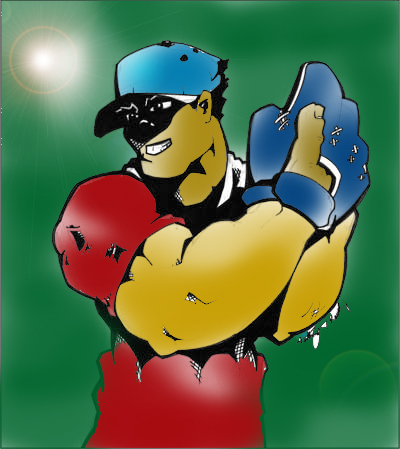
- Use brush then color the whole image.
- Make sure that you uses dark color for the background .
- After coloring, click "filter" on the upper part.
- Click "render", then "Lens flare".
- Then change the Lens flare and adjust the brightness.
- Click "ok".
- Save your file.
|