Coloring 31
Procedure:
- Open the application and click file and then new, and what size you want for you new canvass.
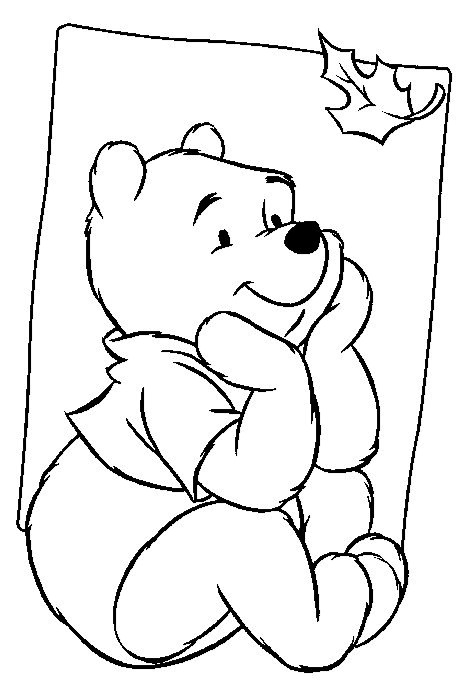
- Open the file where you will get your copy.
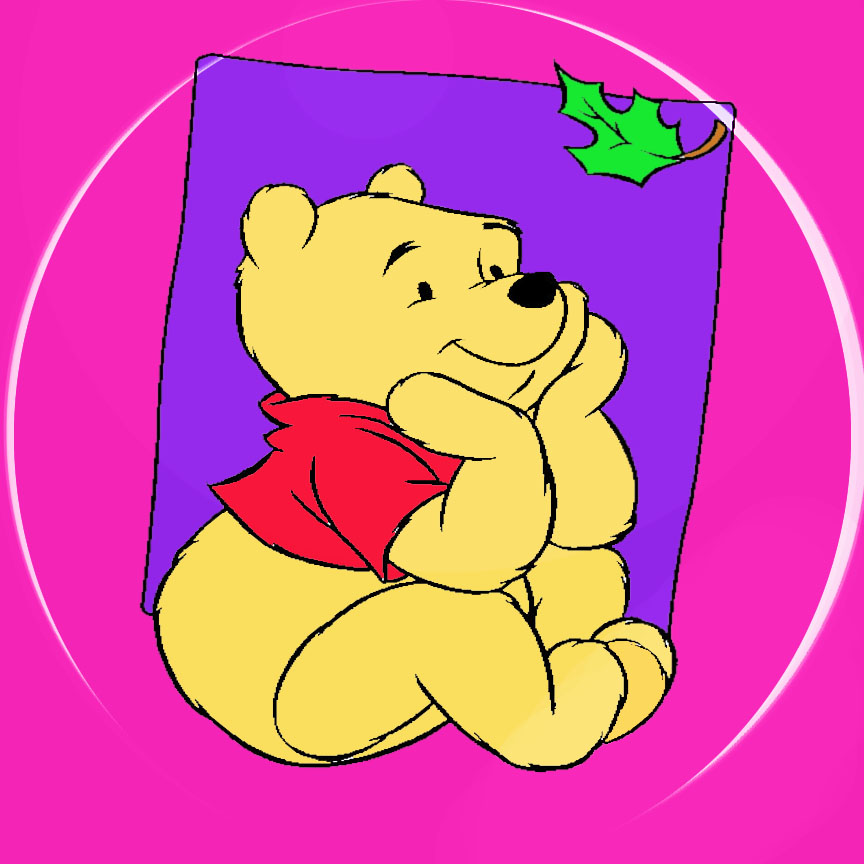
- Use paint bucket tool to color the background, and use eye dropper in choosing the color.
- Repeat it to the other part.
- Use again eye dropper in choosing the color.
- To create the circle for the background , use brush and change the kind of brush..
- Change the size of the circle to make it bigger. And click it twice to create a shadow like.
- Save your image.
- Close the application.
|