Home
Tutorials
Exercises
About Us
Exercises
Exercise No.1
Exercise No.2
Exercise No.3
Exercise No.4
Exercise No.5
Exercise No.6
Exercise No.7
Exercise No.8
Exercise No.9
Exercise No.10
The eyes
Procedure:
Open the application.
Open the file that you will edit.
Using quick selection tool, select the eye.
Click "Image", the "adjustments", then "Hue and Saturation".
Click "colorize".
Choose the color you want.
Click "ok".
Save your file.
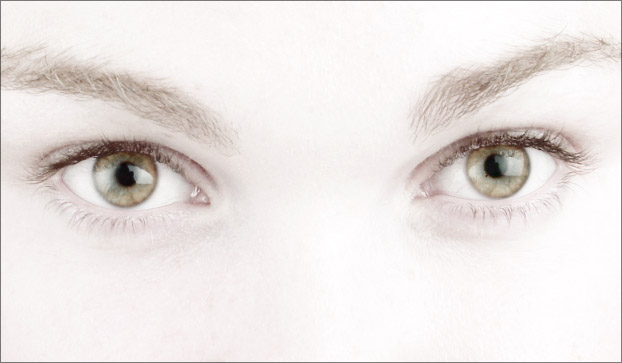
Use this images:
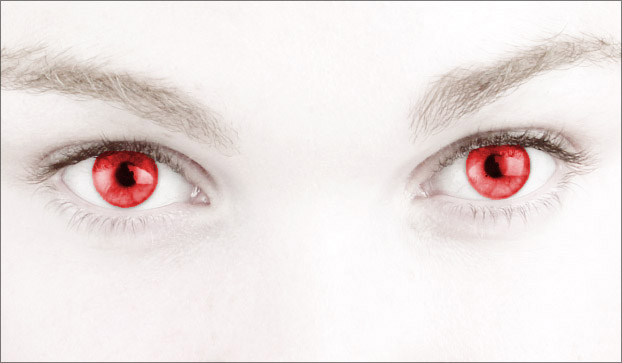
Final output: