 |
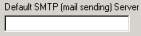
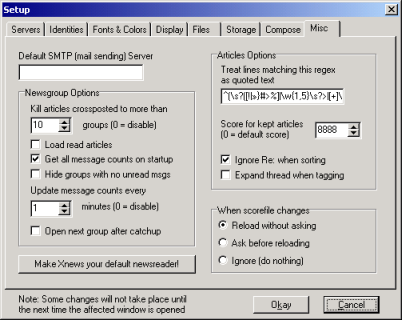
This sets the default SMTP server. This can be over-ruled on a per-server basis (see Servers - Basic). |
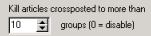 |
Xnews will automatically kill (i.e. not download) any article crossposted to more groups than the number chosen in this box. |
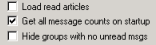 |
"Load Read Articles" will keep articles that you have read during the current session (i.e. those that are cached) visible in the article viewer. The other two options are pretty self-explanatory :-) |
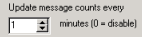 |
This sets how frequently Xnews checks the server to update its count of the number of messages available. |
 |
When you've finished reading a group and press catch-up (i.e. mark all articles as read), this option sets whether or not Xnews should jump straight to the next group. |
 |
Click the button to make Xnews the default newsreader. This means it will be the program started by Windows for nntp connections. |
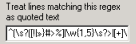 |
The characters specified here will be treated as quote characters. The normal character is '>', but this isn't always used. Therefore to ensure text is correctly recognised as quoted material extra characters can be added here. |
 |
Kept articles remain in the article list even after catch-up. These are give a score so they can be easily spotted. Set that score here. |
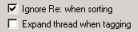 |
Two more self-explanatory options :-) |
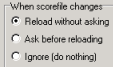 |
Sets whether re-scoring should be automatic after you have made changes to the score-file. |
 130350453
 davidgb75
 d4vidb