|
Join Us!
|
Exercise 3:Kitchen World!
So this will be your new output:
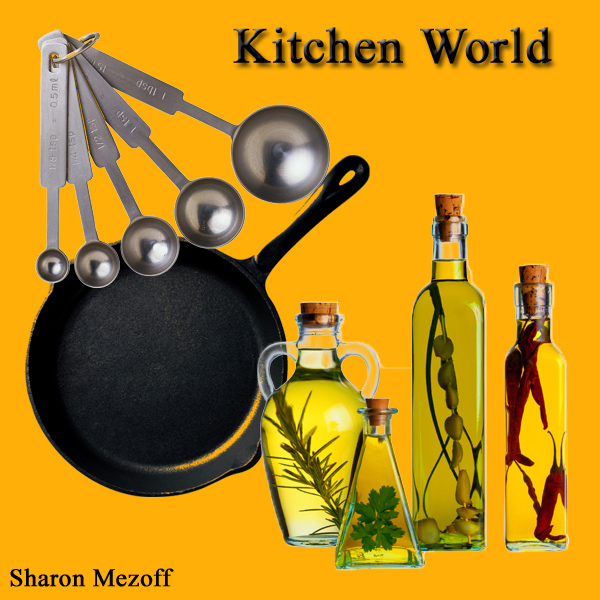
And these will be your resources:
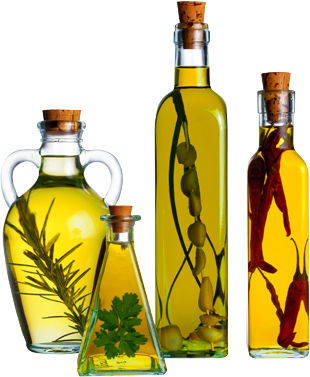
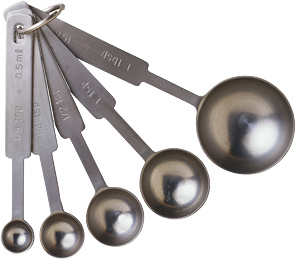
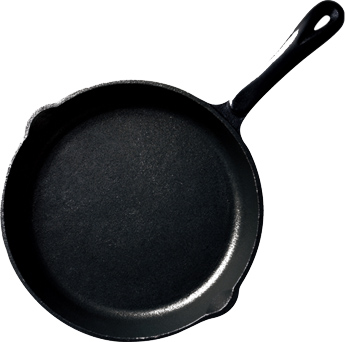
Procedure:
- Open Adobe photoshop and make a new canvas like before.
- Change your background color to orange.
- Open the resources and then arrange them into the new
canvas like what we did before.
- At the lower part of your toolbox, you will see the TYPE TOOL
Click on it because you will use it.
- Type your name and relocate it around the image
- Now go to the layer palette and search for this
icon  then click on it. At the top of then click on it. At the top of
the drop down menu, you will see the Blending options. Click
on it and you will be able to see the different layer styles.
- Choose from the layer styles to decoreate your text layer.
- Save it as .jpeg or .psd
Have you finished it? Congrats! now you'll be studying the alteration tools!
|
