|
Join Us!
|
| Color me Baby!
|
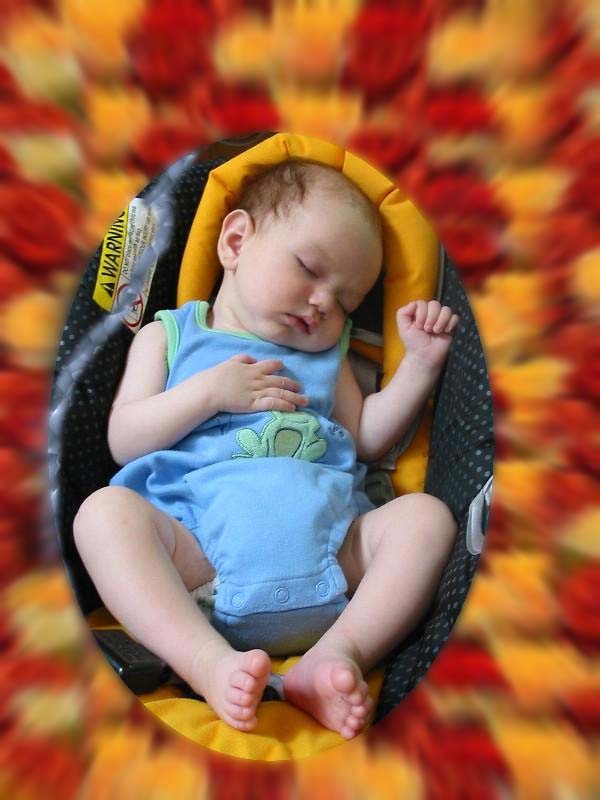
| The Baby
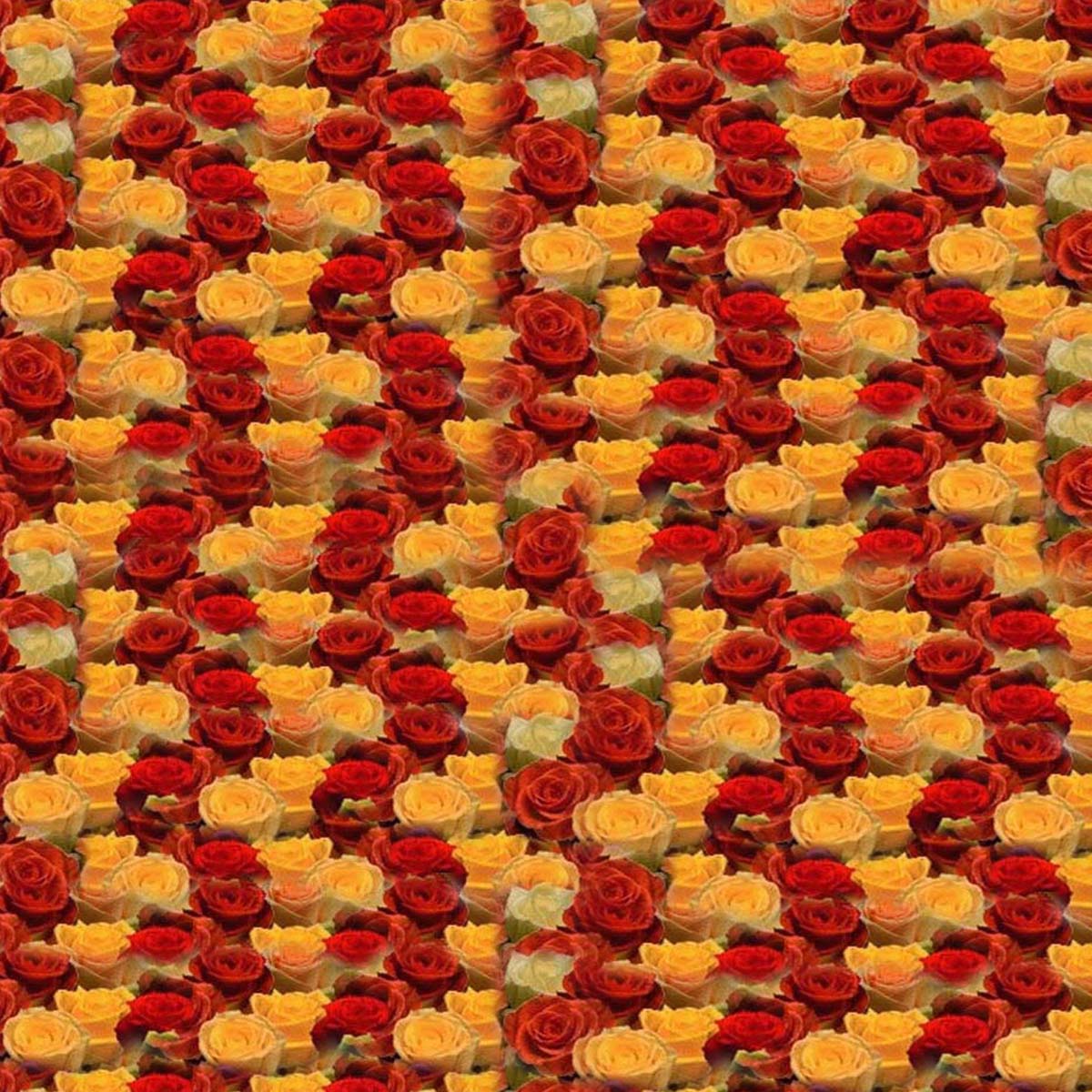
| The Pattern
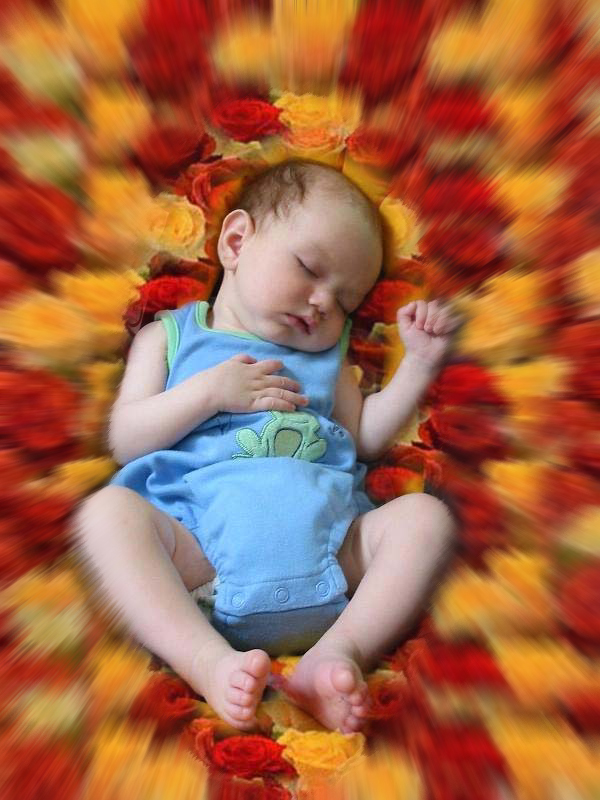
| The Outcome
|
| 
| 
|
- Open CS Adobe Photoshop
- Create a new canvas
- Open the images given above
- Go to Edit>define pattern in the flower picture.
- Using pattern stamp tool, click on the pattern(flower) image.
- Use Manetic lasso tool to select the baby
- Click Ctrl+Shift+I on your keyboard to exclude the baby from the selected
part of the image.
- Brush your Pattern
- Go to Filter> Radial Blur> Zoom then set any integer bet. 8-12
- Go to Filter> Gaussian Blur and set any integer.
- As always, save your output as .jpeg or .psd
|
