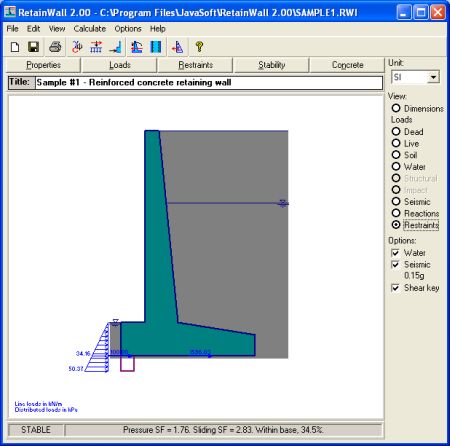
Dimensions and loads are viewed in the drawing window through View menu or View frame
commands.
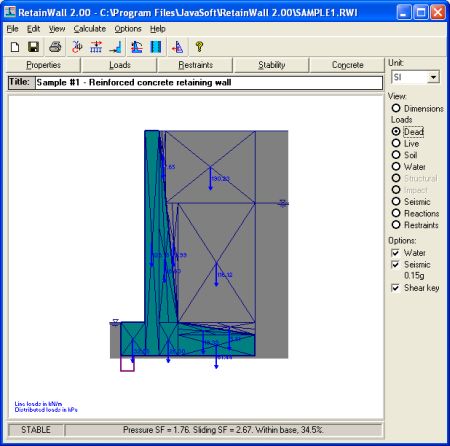
Dead loads
Shows the dead loads, consisting of wall and earth self weight loads. Earth weight on the heel
is assumed as dead loads.
Frame command: View Dead loads
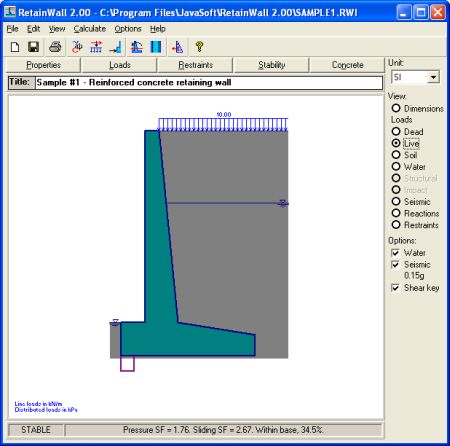
Live loads
Shows the live loads as specified in the Loads. If no live load is specified then this view is
disabled.
Frame command: View Live loads
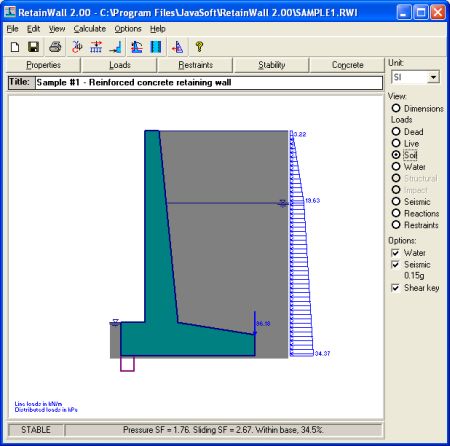
Soil pressure
Shows the active static soil or earth pressures applied on the wall. Seismic and passive earth
pressure are not shown here. They are shown on the Seismic loads and Restraints
hereinafter.
Soil pressures are assumed applied on the earth surface above the heel, except that no heel
is specified and the wall surface is vertical. Soil pressures consist of horizontal and vertical
pressures/forces. Horizontal pressure is a horizontal soil pressure resulted from the horizontal
component of the active earth pressure. Vertical force is an vertical shearing force resulted
from the vertical component of the active earth pressure.
Menu: View > Soil pressure Frame command: View Soil pressure
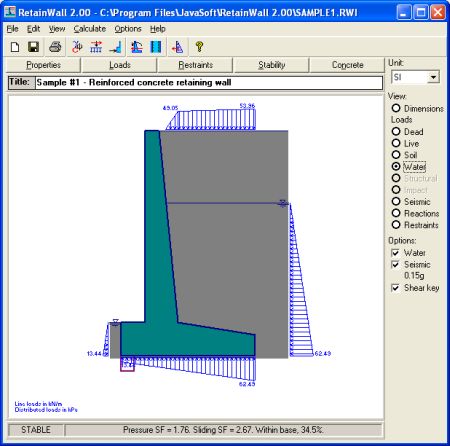
Water pressure
Shows the hydrostatic water pressures applied on the wall. Seismic earth pressures are not
shown here. They are shown on the Seismic loads hereinafter.
Water pressures can be enabled or disabled through Options > Water menu or Water option frame command. If water pressures are disabled then this view is disabled.
Menu: View > Water pressure Frame command: View Water pressure
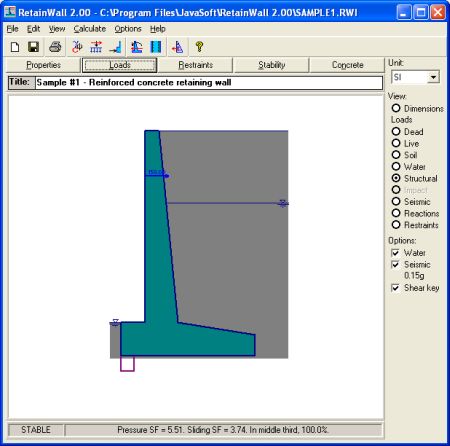
Structural loads
View all the structural loads specified in the Loads window. If
no structural load is specified
then this view is disabled.
Menu: View > Structural loads Frame command: View Structural loads
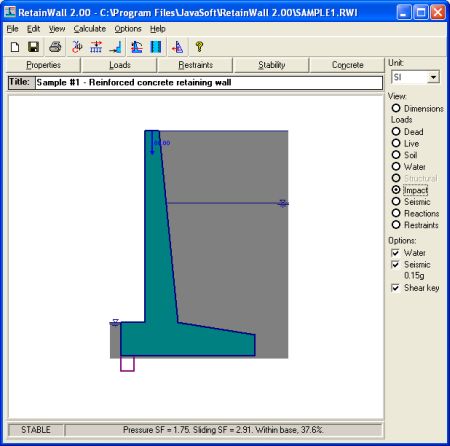
Impact loads
View all the impact loads specified in the Loads window. If
no impact load is specified then
this view is disabled.
Menu: View > Impact loads Frame command: View Impact loads
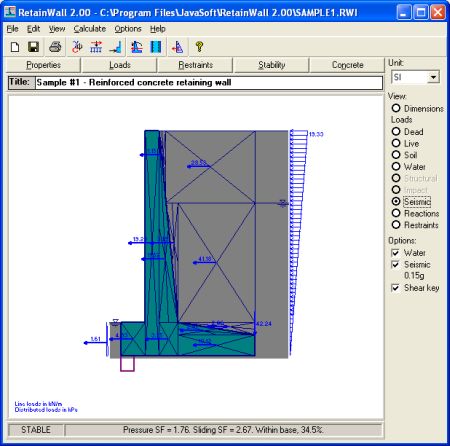
Seismic loads
View the seismic or earthquake loads applied on the wall. Seismic loads are pseudo-static
horizontal loads, consist of accelerated wall self weight, earth on the heel self weight, seismic
earth pressure, seismic water pressure and other seismic loads specified in the Loads
window.
Seismic loads can be enabled or disabled through Options > Seismic menu or Seismic option
frame command. If seismic loads are disabled then this view is disabled.
Menu: View > Seismic loads Frame command: View Seismic loads
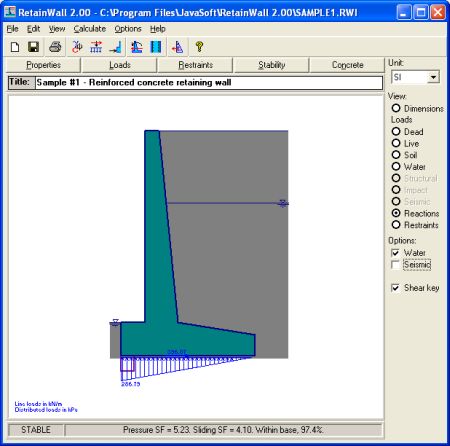
Reactions
Shows reactions as resulted from all the applied loads on the wall. Reactions are assumed
applied on the wall base, consisting of vertical and horizontal reactions. Vertical reaction is an
upward pressure partially or fully applied on the wall base. Horizontal reaction is a horizontal
shearing force applied on the wall base.
Downward reaction resulting in soil tension is considered not applicable. The percentage of
upward pressure applied on the wall base is shown on the Status bar.
If the wall is not stable then this view can not be shown.
Frame command: View Reactions
Restraints
Shows the horizontal sliding specified restraints. The restraints consist of passive toe soil
pressure, restraints from adjacent structure, anchors or piles, passive soil pressure on a shear
key, base friction and base cohesion.
Restraints can be enabled or disabled through the Sliding restraints window. A shear key can
be enabled or disabled through Options > Shear key menu or Shear key option frame
command.
Frame command: View Restraints
See also: