Computer Vision using Matlab 5.3
     <<Home Lab 6                              (Fourier Transforms)


 Task #1                                                                                                                                    

1) A partial reconstruction of your image using freqcomp. Note the number of frequency components used in the reconstruction.

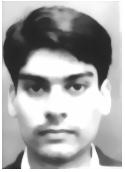
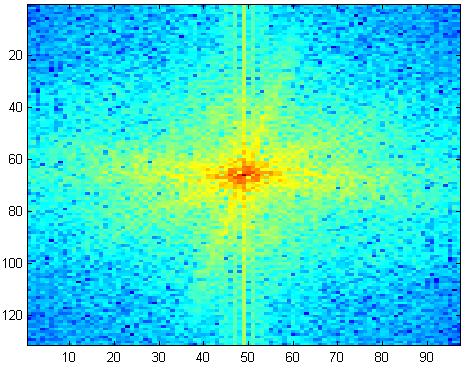
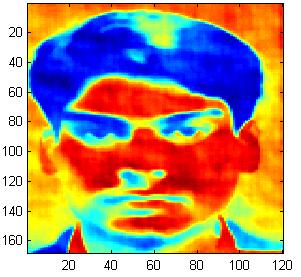
2) An image of yourself, your FFT.

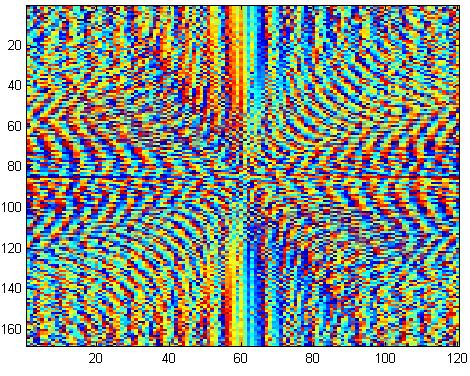
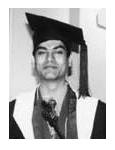
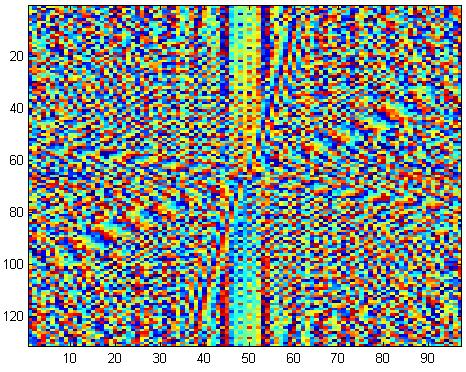
3) An image of your two face images and the two phase/amplitude swapped images.

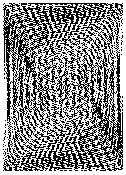
4) A phase only version of your image.

5) A listing of the MATLAB commands you used to do the phase and amplitude swapping (or the function/script you might have written to do this)

 Solution                                                                                                                                    

% PART 1


% Partial reconstruction of the face

A = imread('zeeya2.bmp');

imshow(A)

B= imresize(A,0.5);

Figure,freqcomp(B,500,0.0001);


% PART 2


% Image of your face and its FFT

me = imread('zeeya2.bmp');   

im = rgb2gray(me)

imshow(im)

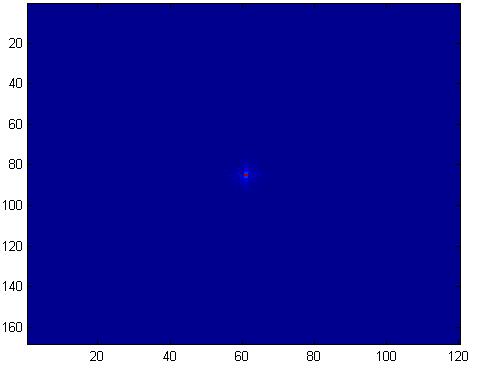
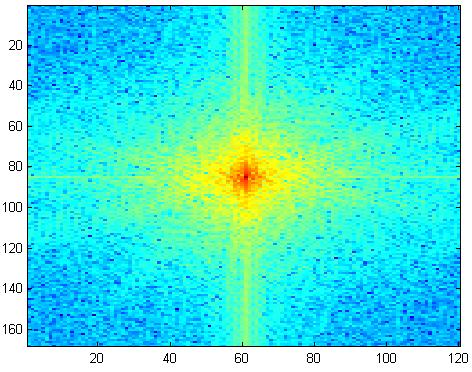
imfft = fft2(im);

figure,imagesc(fftshift(abs(imfft)));

figure,imagesc(fftshift(log(abs(imfft)+eps)));


% PART 3


%Phase and Amplitude of the first Image

me = imread('zeeya2.bmp');   

im = rgb2gray(me);

imshow(im)

imfft = fft2(im);

ims = fftshift(log(abs(imfft)+eps));

figure,imagesc(ims);

imp = fftshift(angle(imfft)+eps);

figure,imagesc(imp);

 % Phase and Amplitude of the Second Image

me2 = imread('ziagraduate.jpg'); 

im2 = rgb2gray(me2);

figure,imshow(im2)

imfft2 = fft2(im2);

ims2 = fftshift(log(abs(imfft2)+eps));

figure,imagesc(ims2);

imp2 = fftshift(angle(imfft2)+eps);

figure,imagesc(imp2);

%Phase of first image and Amplitude of the second Image

 fofim1 = ims2*(cos(imp) + i*sin(imp) );

newB = real( ifft2(fofim1));

figure,imagesc(newB),colormap(gray)

 %Phase of Second image and Amplitude of the First Image

 fofim2 = ims .* (cos(imp2) + i*sin(imp2) );

newL = real( ifft2(fofim2));

figure,imagesc(newL),colormap(gray);


% PART 4


% Phase only version of the image

me = imread('zeeya2.bmp');   

im = rgb2gray(me);

imshow(im)

imfft = fft2(im);

Lpa = fftshift(angle(imfft)+eps);

mag = fftshift(log(abs(imfft) +eps ) );

newp = imfft ./mag;

ponly = real( ifft2(newp) );

figure,imagesc(ponly)

 Result                                                                                                                                       

Part 1

The number of Frequency Components used in the partial Reconstruction of the Face is 500.


Part 2

Part 3

Part 4


 HELP                                                                                                                                       

 FFTSHIFT                                                                                                                               

 FFTSHIFT Shift DC component to center of spectrum.
For vectors, FFTSHIFT(X) swaps the left and right halves of X. For matrices, FFTSHIFT(X) swaps the first and third quadrants and the second and fourth quadrants. For N-D arrays, FFTSHIFT(X) swaps "half-spaces" of X along each dimension.
FFTSHIFT is useful for visualizing the Fourier transform with the DC component in the middle of the spectrum.

 FFT2                                                                                                                                         

 FFT2 Two-dimensional discrete Fourier Transform.
FFT2(X) returns the two-dimensional Fourier transform of matrix X. If X is a vector, the result will have the same orientation.
FFT2(X,MROWS,NCOLS) pads matrix X with zeros to size MROWS-by-NCOLS before transforming.

 ABS                                                                                                                                         

ABS Absolute value.
ABS(X) is the absolute value of the elements of X. When
X is complex, ABS(X) is the complex modulus (magnitude) of
the elements of X.     
      

 IMAGESC                                                                                                                                

IMAGESC Scale data and display as image.
IMAGESC(...) is the same as IMAGE(...) except the data is scaled to use the full colormap.
IMAGESC(...,CLIM) where CLIM = [CLOW CHIGH] can specify the scaling.

 LOG                                                                                                                                        

LOG Natural logarithm.
LOG(X) is the natural logarithm of the elements of X. Complex results are produced if X is not positive.

 EPS                                                                                                                                          

 EPS Floating point relative accuracy.
EPS returns the distance from 1.0 to the next largest floating point number. EPS is used as a default tolerance by PINV and RANK, as well as several other MATLAB functions.


                         CV Lab 1   CV Lab2   CV Lab 3   CV Lab4   CV Lab 5   CV Lab 6   CV Lab7  CV Lab8     Other material


                                                                                                                   <<Home
  
Ziauddin Siddiqui, B02ME CSN 07, Mehran University Of Engineering & Technology
Jamshoro, Sindh.
Email. [email protected]

1