Very Generic UVMapping with Wings3d (98.12)
Now we are going to start selecting off individual faces to assign to a particular AuvChart. First De-select everything by pressing the [space bar].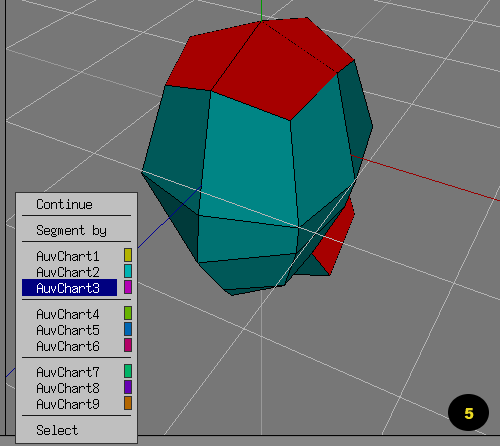
In my "BASIC" example, I only have three areas I selected off: The Face, The back of the Head, and the base of the neck.
NOTE: In more complex models, you will need to select edges for Edge Cuts, which is not talked about in this walk-through.