Enhancing Colours
Enhancing Colours
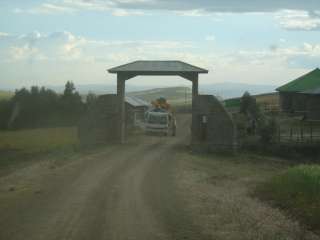
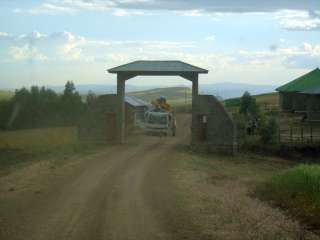
If an image is too dark or light, looks dull or has too much blue/green/red etc, it can be digitally manipulated to improve the appearance of the photo
| Original Photo | Gamma Correction applied to lighten up the photo. |
|
|
|
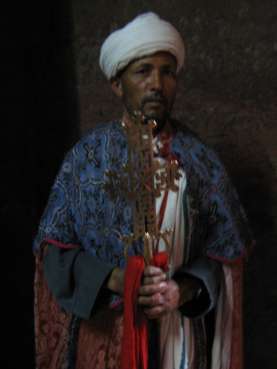
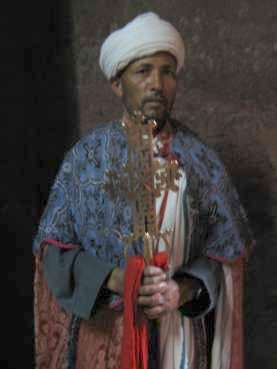
| Original Photo | Photo manipulated digitally |
 |
 |
Both Microsoft Photo Editor and IrfanView
have a preview of how changing brightness / contrast / gamma / saturation and RGB
balance will affect the final photo. They can also automatically
adjust the colours to what they think best.
For any feedback email me at [email protected]