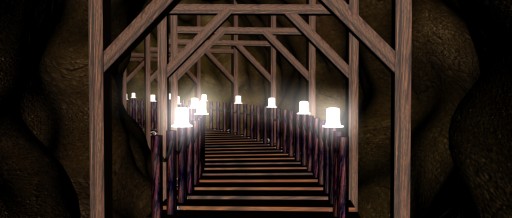
This is how our image looks like right now.
Note: If you downloaded the scene files you won’t have to do a few of the first steps.
-. Select the group that contains all the objects in your scene (if you downloaded the cave scene files you don’t have to do this).

-. Click on the ‘Groups’ menu and select Explode, this way you
ungroup all your objects.
(If you downloaded the cave scene files you don’t have to do this).
-. Select the cave object. (If you downloaded the cave scene files you don’t have to do this).
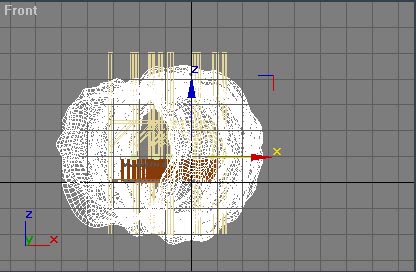
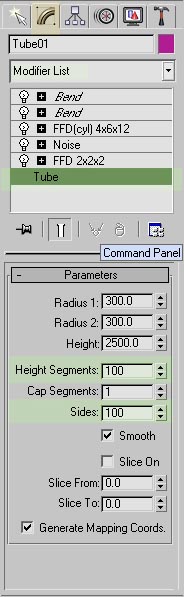
-. Open the modify panel, select ‘Tube’ from the modifier list
and change the height segments and sides to 100.
(If you downloaded the cave scene files you don’t have to do this).
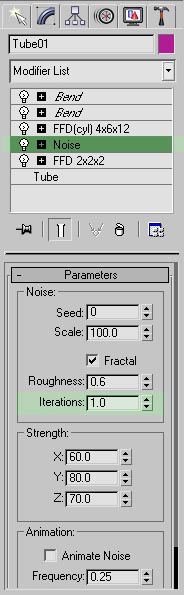
-. Select ‘Noise’ on the modifier list and change the Iterations
to 1
(If you downloaded the cave scene files you don’t have to do this).
Page01 Page02 Page03 Page04 Page05 Page06
