4: Expanding
Your Universe

Page 4: Expanding
Your Universe
You expand your universe with the Terraformer. After you buy one (On
all levels except the first it's available immediately)
At the Main Screen, use the arrows next to the Starbase Subscreen to show a Lifeless planet.
Click
on the  Icon. It'll tell you how long it'll take, and recommend a name for the
planet. Hit <ENTER>. It'll start to format.
Icon. It'll tell you how long it'll take, and recommend a name for the
planet. Hit <ENTER>. It'll start to format.
(You can click on the
during formatting to get how many days left to complete)
One a planet is formatted, or Terraformed, you can use it to expand your assets, Gain materials, and get into position for the "final assult".
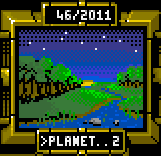
There are four types of planets:
Farming Planet:
Puts out twice the amount of food per processor.
Mining Planet:
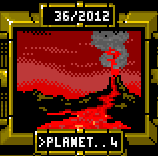
Produces twice the amount of fuel and minerals per processor.
Desert Planet:
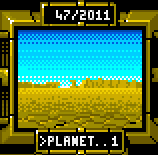
Gives twice the energy per orbiting solar collector
Industrial Planet: (Your Starbase is this type)
Twice the credits per civilian.
Note that all planets will produce all materials.
 Use the Stats screen
to manage the planets.
Use the Stats screen
to manage the planets.
All planets start out with a population, food, minerals, etc. And they generate credits. On the stats screen, click the below Icon to send all credits from all planets you own to your Starbase.