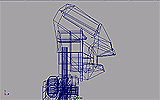
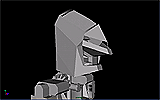
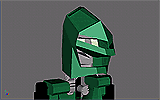
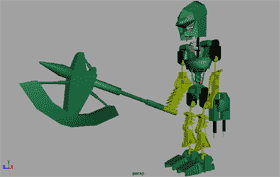
The model looks
very flat in the development environment. Several additional properties
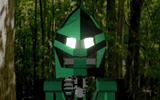
will be added during rendering. These include bump mapping, reflections
and special effects.
Maya has several
pre-defined mathematically based material textures, including
cloth, tile and fractal dispersion. In the final texture, I have
added a fractal based bump map. This process calculates patterns
of surface texture. This creates some roughness on the body of
the model.