| The
procedures in this section presume a basic familiarity with the Maya
environment. Complete instructions on the use of Maya are beyond the
scope of this site. Information on broader topics, like modeling,
lighting, animation and rendering, can be found at the sites
provided in the external links section of this site |
| A Maya model
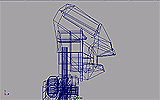
consists of a set of points in a tree axis coordinate system. The
model also describes how these points are connected to each other.
The Maya modeling environment displays these points and their
connections in the form of a wire frame model. |
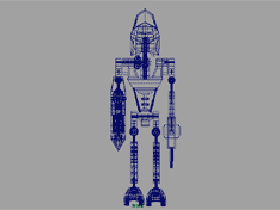 A wireframe
model
A wireframe
model
|
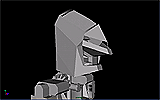
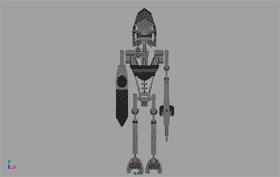 Model with default
shader
Model with default
shader |
While this
view may be useful when building a model, it is transparent, and
therefore somewhat difficult to interpret. To aid in creating a
scene, Maya also provides the ability to show models with closed
surfaces on the wire frame. Maya associates a flat gray shader to
these surfaces by default. |
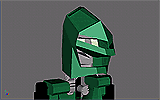
| To create and
alter shading groups, click on Window>>Rendering
Editors>>Hypershade. This will open the Hypershade editor.
Before creating any new shading groups the only one available is the
flat gray default shader. It is best to leave this shader as is and
create a new one. |
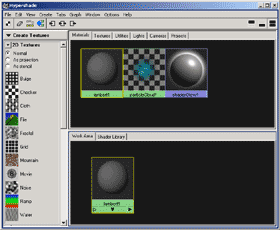 The Hypershade
window
The Hypershade
window
|