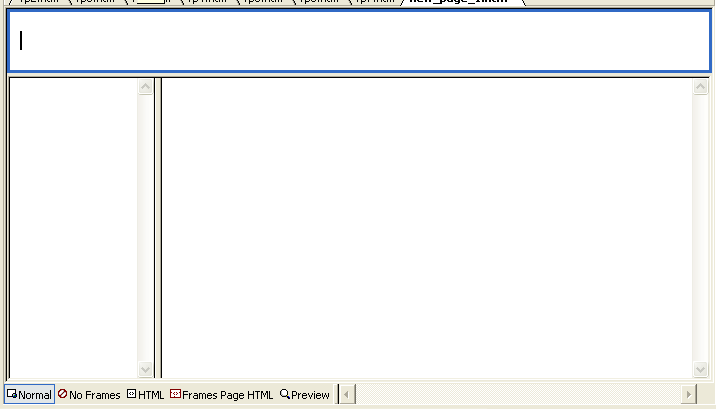
FrontPage2002 Tutorial FrontPage2002 Frames Frames allow you to have an index with a multiple number of windows. Click the thumbnail to see an example.
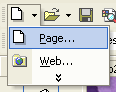
Frames are great because they reduce the amount of work required. For example, instead of creating a link bar for every page, you can now make one page for links and the other frame will display the page you want to view. To create a page with frames, select the arrow next to the "New Page" button and select "Page."
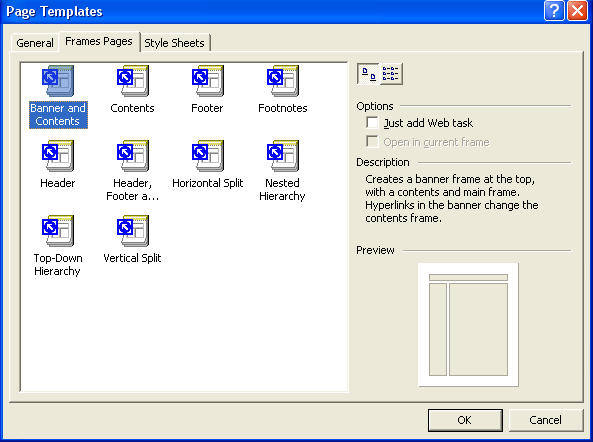
A dialog box will appear. Select the "Frames" tab. Click to view a larger image.
You want to make sure which frames are the frames where pages are viewed. Make sure to read the description on the right-hand-side of the dialog box. |