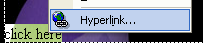
FrontPage2002 Tutorial FrontPage2002 Hyperlinks Hyperlinks allow you to link to another page in your web or another web site altogether. The easiest way to make a hyperlink is to select the item, phrase, or word that you want to link to another page. Right-click on the selection. One of the very last options is "Hyperlink." Select that option.
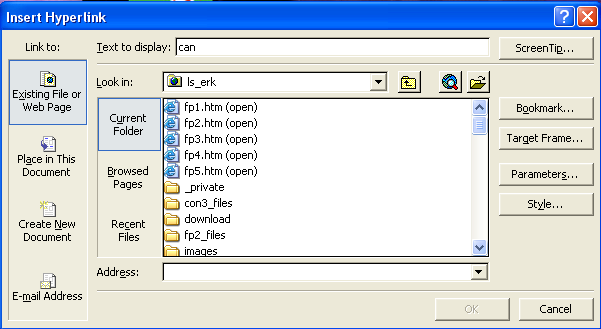
Now the dialog box appears. You have several options as to where you can link—an existing page, a place in the current web page, a new document, or an e-mail address. Select where you want to hyperlink. Most likely you will need to hyperlink to an already existing page. If you have access to the file you want to hyperlink to, then you can just double-click on the icon.
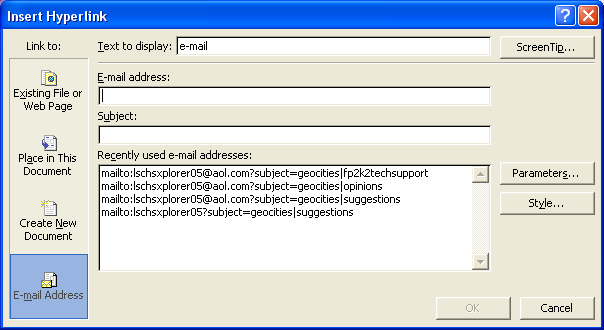
If you select the "Place in This Document" option, you will be asked to select one of the bookmarks you made in the tutorial page before (page 4). If you link to an e-mail address, you will be prompted to enter the e-mail address and, if necessary, a subject.
|