
| HOME | NEWS | PHOTO GALLERY | COMPUTER PLUS | COOKING PLUS | ABOUT THE SITE | CONTACT |
|
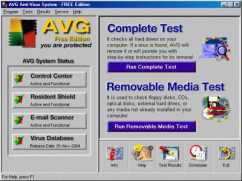
Tutorials GRIDS TUTORIAL AVG TUTORIALGrids Introduction Grids is an amazing piece of freeware that enables you to draw circuit diagrams, schematics, flow charts , and many more similar drawings very easily.If the required symbols are not available you can create your own. 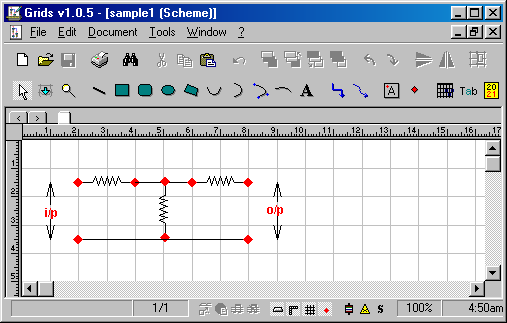 CLICK HERE for Grids Tutorial AVG Introduction AVG is one the best free antivirus available.Regular updates are issued which are usually after 4 to 5 days.
After starting the installation and clicking yes to the licence agreement you will be shown the screen where you have to enter the serial number. If you do not have the serial number you will
have to visit the AVG website http://www.grisoft.com and register.
The Serial Number will be emailed to you in a few minutes time. After you enter the serial number and click on next, you will be prompted for the location to install AVG.
The default location being C:\Program Files\Grisoft\AVG6\. Clicking on next allows the installation to proceed until you are shown the Configure Your Protection screen.
The default option is all options are activated.
|
|
ON OTHER PAGES 1)Tutorial on Grids Flowcharting Software
2)Tutorial on Making Winamp Skins
3)Tutorial on Mail Merge in Open Office
4)Tutorial on creating Compressed Music - mp3, ogg, ape,wma
5)Tutorial on Refreshing Linked Tables in Access
6)Tutorial on AVG
COMING SOON TIPS To Optimise Your PC and make Your Work Done Faster Lastest Computer Component Prices Useful Sites |
© ALL RIGHTS RESERVED