This database is intended for students in Kindergartner to the fifth grade, and the majority of the information is written at an elementary school age level. The database is organized by topics, so it is easier for younger students to find information. Older students can perform a simple or advanced keyword search. Kids InfoBits provides students with magazine articles, newspaper articles, juvenile reference materials, maps and flags, charts and graphs, and images. Articles can be found at two different reading levels: easy and more difficult. This aids students in choosing the best articles for homework and projects.
I think students will find the following two tools useful: Merriam-Webster's Elementary Dictionary, and a "Put in my Backpack," feature, which allows users to compile a list of resources to save, look at, print, or email. Students in grades K-5 may have trouble using the advanced search feature; however, it would be a great tool for teachers to use at the fourth and fifth grade level with the purpose of teaching students how to search for information.
Kids InfoBits is a Gale Thomas database powered by Infotrac. This database was accessed through the Public Library of Cincinnati and Hamilton County. To find the URL for Kids InfoBits go to the Public Library of Cincinnati and Hamilton County Research Database webpage. The URL is http://www.cincinnatilibrary.org/resources/research.asp?group=0, but a log-in password is required.
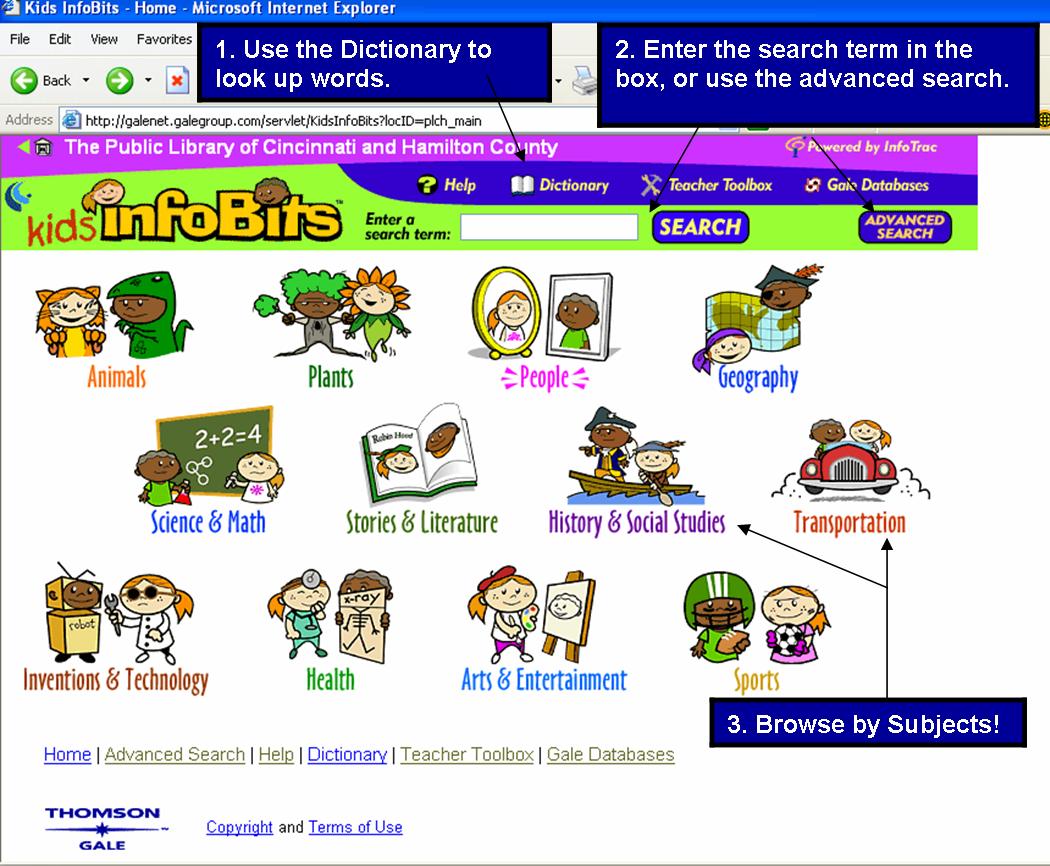
Below is a picture of the Kids InfoBits homepage. There are a few ways to find information for homework or projects:
Kids InfoBits can be used to answer a wide variety of questions. There are many juvenile reference materials used in this database. Some of which include: Junior Worldmark Encyclopedia, Blackbirch Encyclopedia of Science and Invention, First Facts, and Columbia Encyclopedia. Also, the juvenile magazines provide information on current events, history, places, and other subjects.
Some examples of how teachers could use this database include: search for information on the Tsunami. This results in 14 articles related to the subject, one of which is about a hippo that survived the Tsunami. Also, Kids InfoBits provides some great biographical information on prominent historic people and up to date information and articles on countries and ethnicities throughout the world.
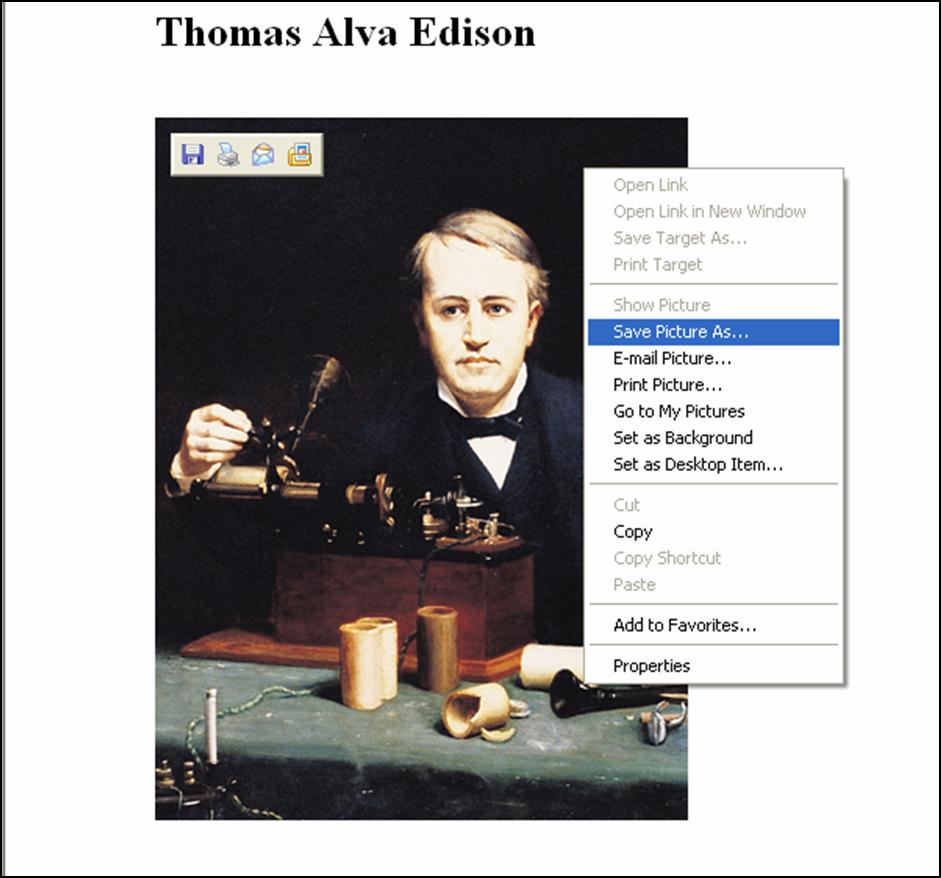
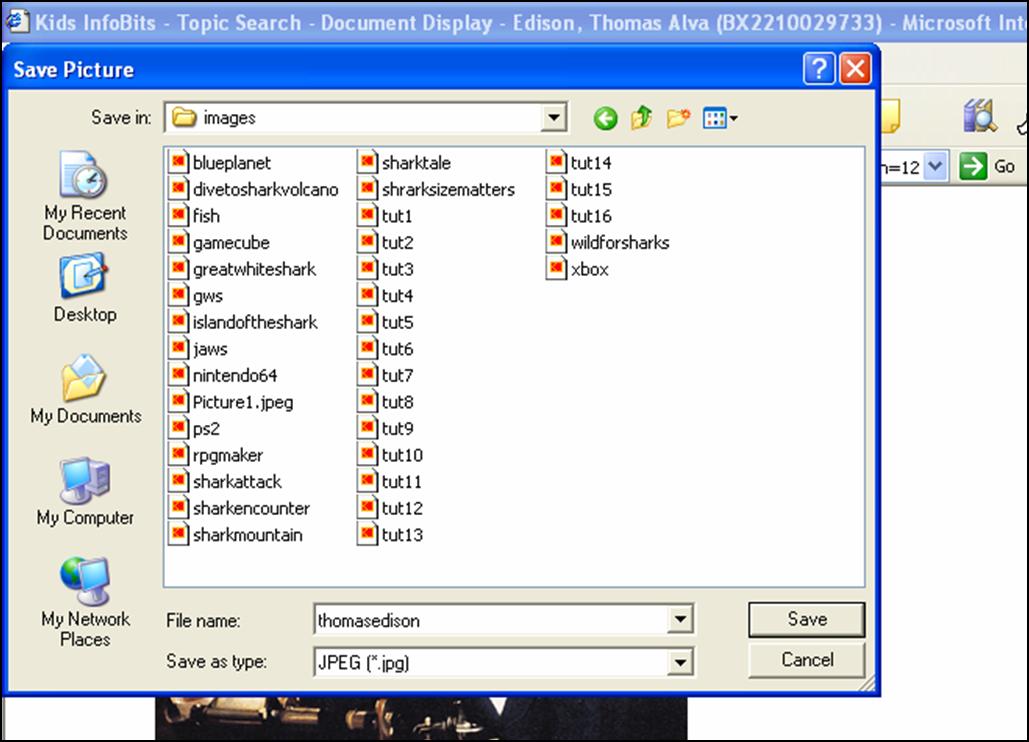
Student Assignment (2nd Grade) - Find and read an article on a United States inventor, scientist, artist, explorer, or political leader. How has this person impacted the United States and the people/culture? What important contribution and did this person make?
In grade 2, one of the Ohio Academic Content Standards is to, "Describe the contributions of significant individuals, including artisans, inventors, scientists, architects, explorers and political leaders to the cultural heritage of the United States" (Ohio Department of Education, page 119).
Mini-Lesson - Find a scientist/inventor from the United States, and discover what impact they had on the country...Take the Journey.
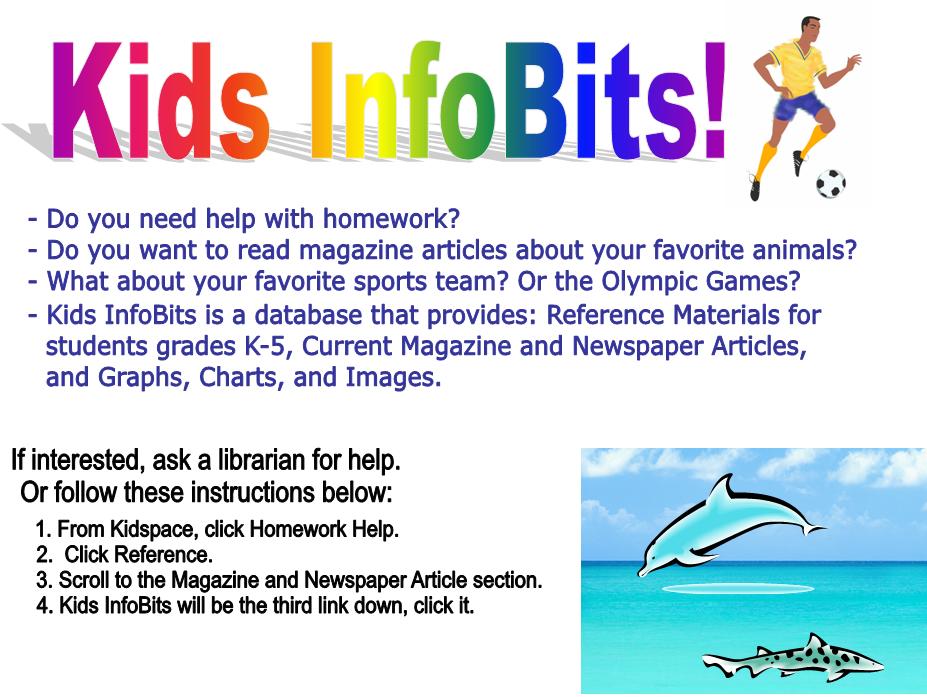
Here is an example of a promotional flyer that would be displayed in the kids room at the library.