|
|
|||
|---|---|---|---|
|
|
|
|
|
         
|  1. Save this image on your computer. 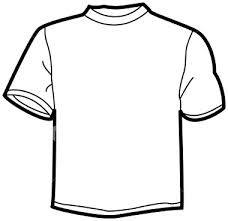 2. Open Adobe Photoshop. Then click File>Open or just simply Ctrl+O. 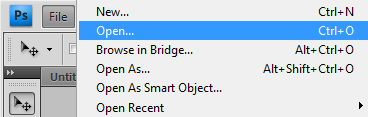 3. Open the image that you saved a while ago. 4. In this tutorial, it's your time to design your shirt! Just select the part you want to color by using the MAGIC WAND TOOL, QUICK SELECTION TOOL, MARQUEE TOOL or LASSO TOOL. Then after you select it, click Ctrl+U for the Hue and Saturation. Note: It is so important to check the 'COLORIZE'. Because if it is unchecked, the shirt will not be colored. 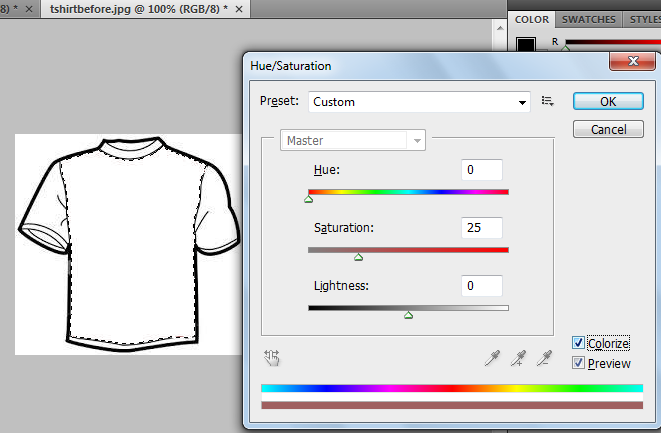 5. Repeat it again and again on different parts of the shirt. If you succeed, you can produce an output like this one! 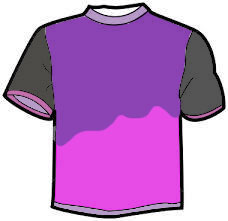
|  |
|