|
|
|||
|---|---|---|---|
|
|
|
|
|
         
|  1. Save this images on your computer. 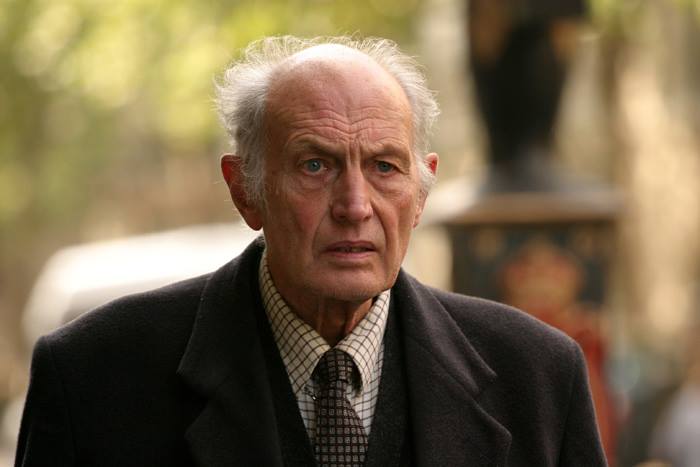 2. Open Adobe Photoshop. Then click File>Open or just simply Ctrl+O. 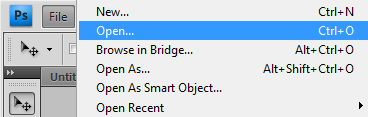 3. Open the images that you saved a while ago. 4. Using the PATCH TOOL, find a part on the man's forehead wherein there has no wrinkles. Then drag it to the part wherein there has wrinkles. 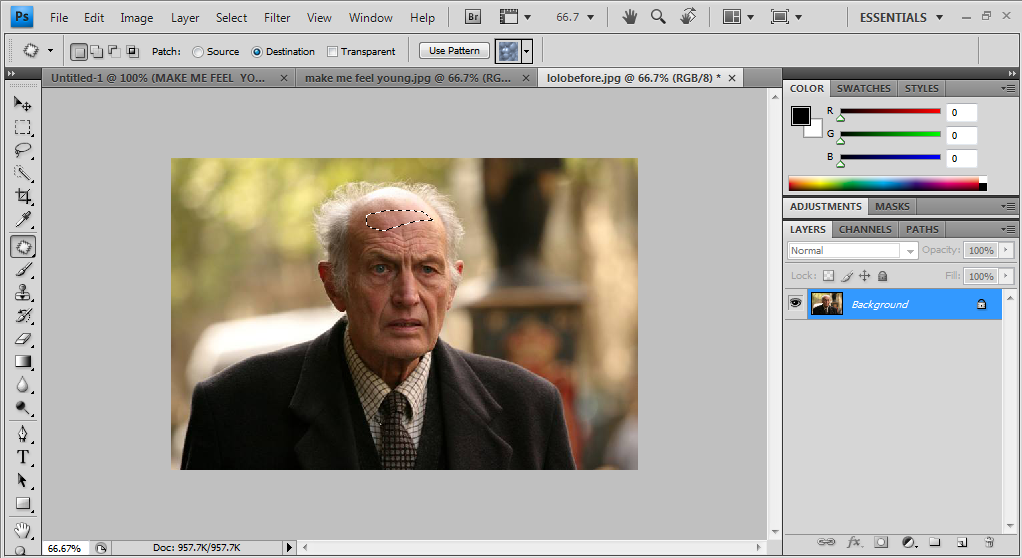 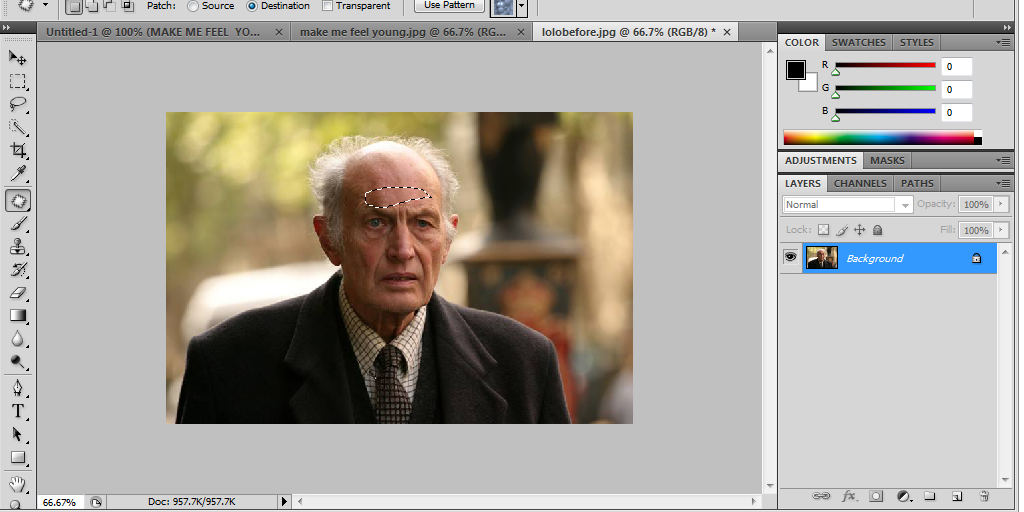 5. Repeat it again and again. If you succeed, you can produce an output like this one! 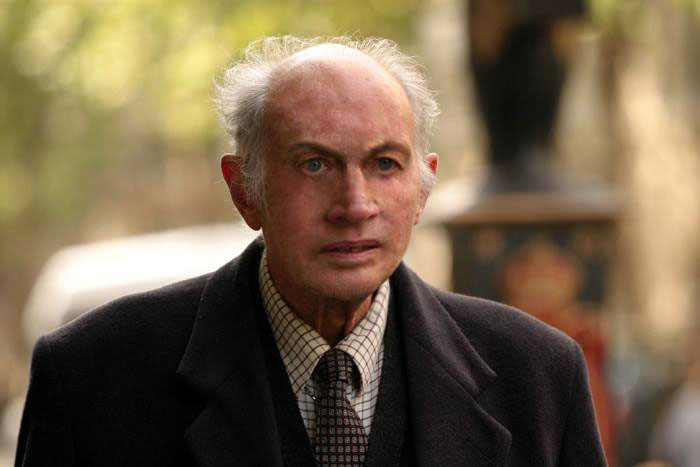
|  |
|