Title
Navagation
.:: HOME
.:: NEGATIVE9 HUB
.:: ABOUT ME
Wings3D Specific
.:: ORENITATION
.:: MATERIALS
.:: LIGHTS
.:: UVMAPPING
.:: RENDERING
3rd Party
.:: RENDERING
.:: ANIMATION
Reference
.:: MANUAL
.:: TIPS
Showcase
.:: GALLERY
Other
.:: TOOLS
.:: TUTORIALS THREAD
Martin Krol's Demon

Navagation
.:: BEGININGS
.:: *STEP TWO*
.:: STEP THREE
.:: STEP FOUR - Coming Soon

1:
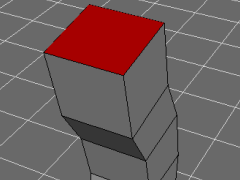
Select the top Face.
2:
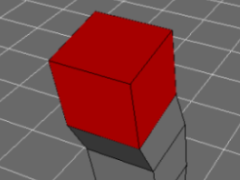
Press Face [ F ] Again. This will increase selection.

Alternatively you could press [ + ].


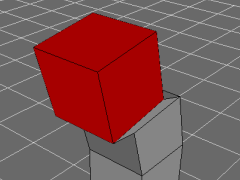
3:
Move -- Y down.
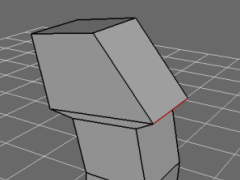
4:
On the back side of the head Move -- Z the highlighted Edge until you get the above result.
5:
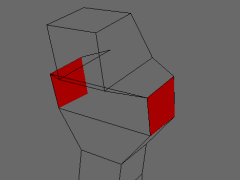
Select both arm Faces, and Move -- Normal.
6:
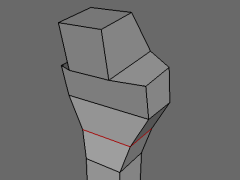
Select the waist Edge and execute an Edge Loop [ L ]. Then Scale Axis -- X until you get the above result.
7:
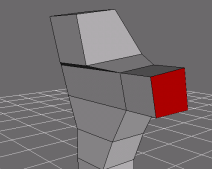
Select one of the arm Faces, and Move -- Normal.

8:
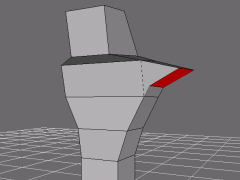
Without removing selection on the Face, Rotate - Z. Apply any tweaking to get the above results.


NEXT ::..

Hosted by www.Geocities.ws

1