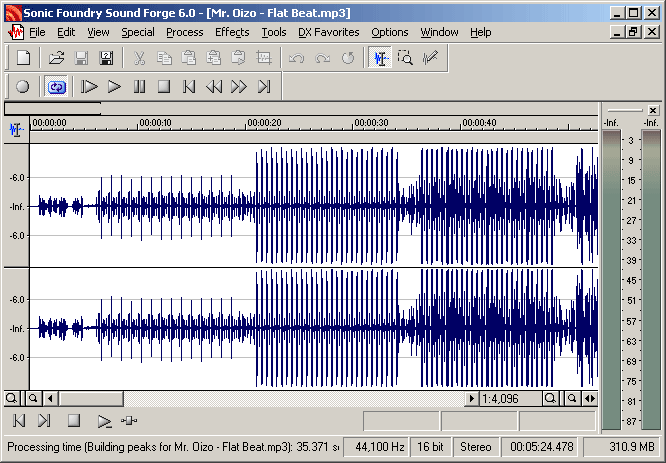
- Open your audio file.
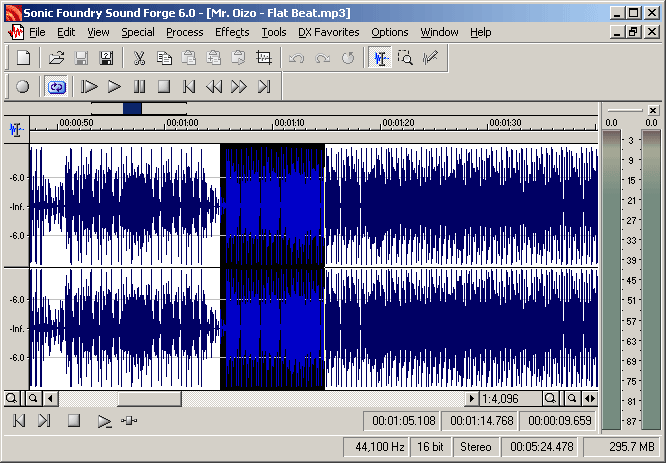
- Select the part you want to loop. Be sure to select a little more audio on each side of the loop.
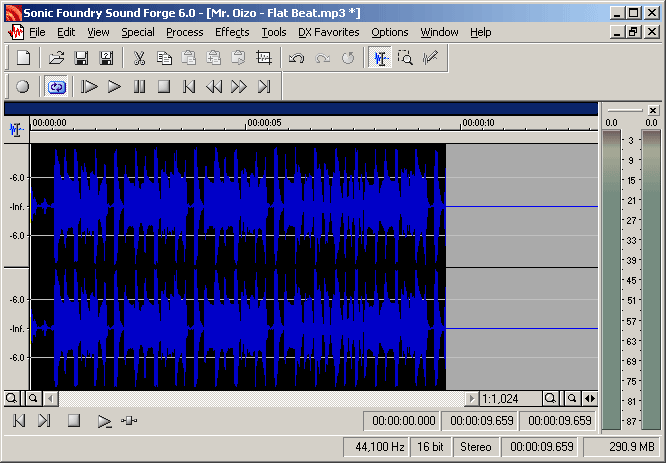
- Use Edit > Trim/Crop to only keep this part of the file.
- Use Tools > Auto region to create regions of your audio file.
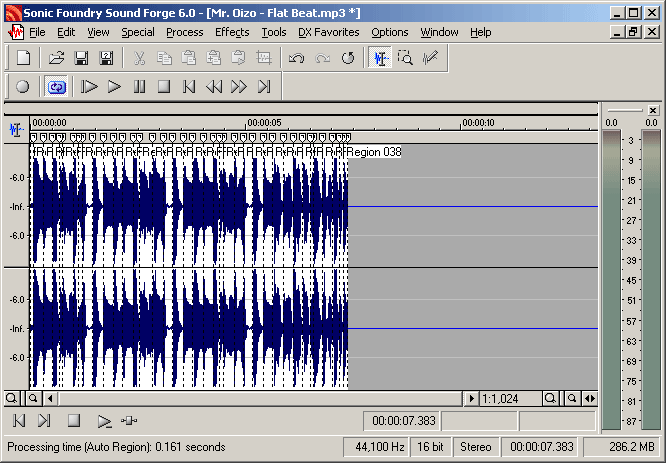
- Remove regions as needed to create a perfect loop! (To select a region, double click on it)
|
Projects
What I do
Texts
Last update : 19/12/2002
|
|