|
Ultimate Tutorials |
|
|
|
Before we begin you will need to install super DVD ripper and DivX, both of these can be obtained in the download section.
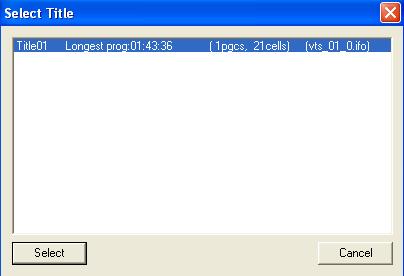
Now open up Super DVD Ripper and click DVD to AVI, Now you may need to tell it what drive the DVD is in, after you have done this select the main movie file this is usually the file with the longest runtime.
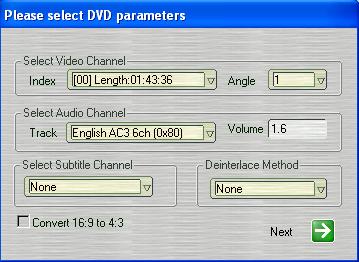
After selecting what movie file you wish to process you need to choose which part you wish to process and what audio you wish to use.
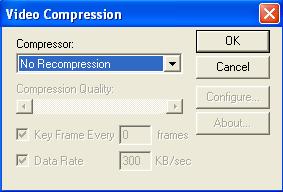
After selecting this click next and choose where you wish to save the movie then click next. On the next screen click video codec. You should get the following screen.
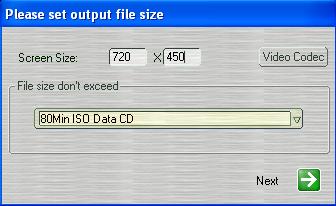
Select the codec you wish to use then click OK. This should take you back to the previous screen. Here you will most likely need to change the resolution, I find 720x450 or 720x400 good for most widescreen or letterbox movies but if these come out looking kind of stretched then experiment with different values until you get the desired result.You can also split the file into 700mb parts by selecting the filesize.
Now Click start, this could take a long time so dont think its just your computer. After it finally finishes you should have a high quality low filesize movie.
Congratulations you have finished ripping your first movie. |
|
|
|
|
Copyright 2004 Ultimate Tutorials. All Rights Reserved. |