 |
|
|
|
|
|
|
|
|
|
|
|
|
|
|
|
|
|
|
|
|
|
|
|
|
|
|
|
|
|
|
|
|
|
|
|
|
|
|
|
|
|
|
|
|
|
|
|
|
|
Week 4 |
|
|
|
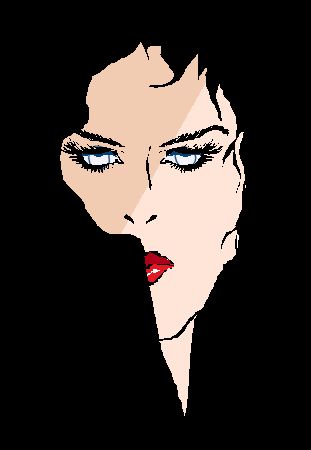
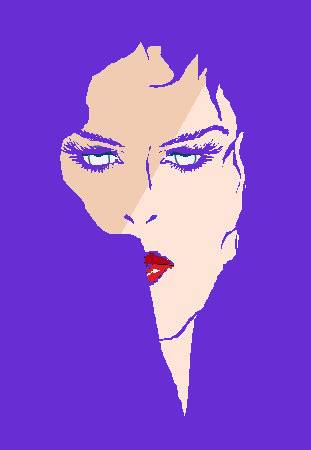
Color Replacing |
|
|
|
Before After |
|
|
|
 |
|
|
|
 |
|
|
|
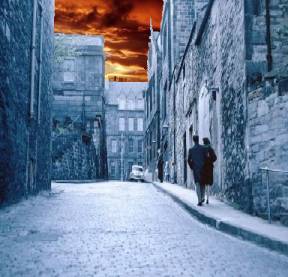
Cloning Brush was used to copy part of one image into another..then the Retouch Brush set to Push, smoothed out the jagged edges. |
|
|
|
 |
|
|
|
|
 |
|
|
 |
|
|
|
|
|
= |
|
|
| + |
|
|
|
|
|
|
|
|
|
|
|
|
|
|
|
|
|
|
 |
|
|
Eraser Tool
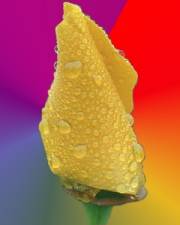
When we changed the green background on our rose from week 2, I didnt have any left over green jaggies to erase for this exercise. The water drops did have a green reflection in them though, so I used the eraser tool and replaced the green with whatever color the waterdrops background happen to be. |
|
|
|
|
|
|
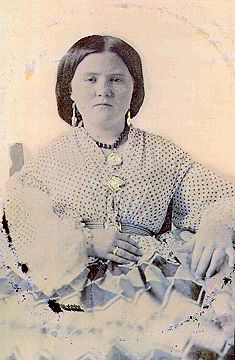
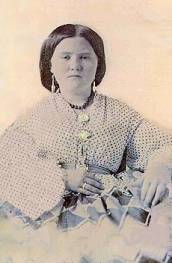
I used the Scratch Romovel Tool and the Clone Tool too fix the photo here.
Before After |
|
|
|
 |
|
|
|
 |
|
|
|
|
|
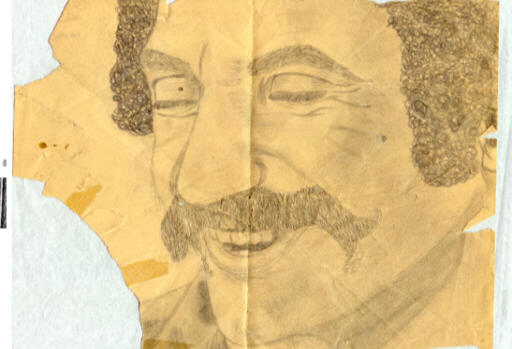
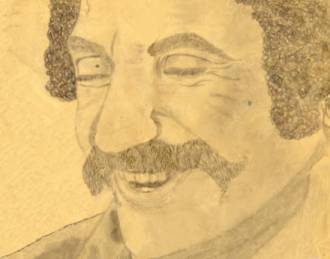
This is a pencil drawing I did when I was a kid. Over the years it got ripped, torn, taped, folded and I lost the top part of it. I used the Scratch Removal, Clone and Retouch Tools to fix it. |
|
|
|
 |
|
 |
|
|
|
|
|
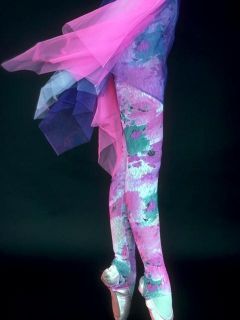
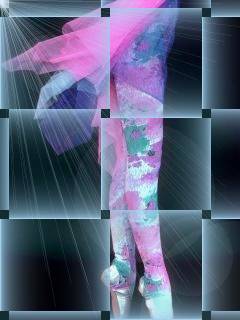
Effects... I put the Weave Effect on mine, saved it and then added the Sunburst Effect to it
Before After |
|
|
|
 |
|
|
|
 |
|
|
|
|
|
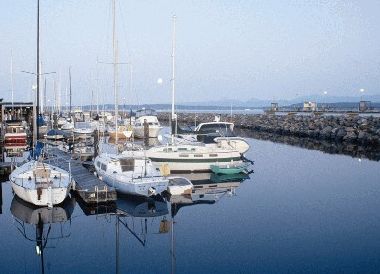
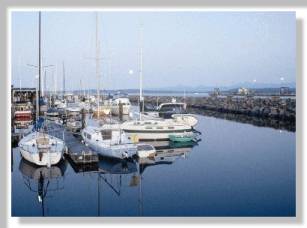
Cutout Effect......
Before After |
|
|
|
 |
|
|
|
 |
|
|
|
|
|
 |
|
|
Drop Shadow Effect... |
|
|
|
|
|
|
Home Week1 Week2 Week3 Week5 Week6 |
|