Ever wondered why some pages load very fast, and others just take forever to be completed on your screen? Well... am going to try to explain that a little bit to you. Lets look first how we add an image/graphic to
a page : |
Here is how you add any image:
It can be a .gif or .jpg file, better not use the bmp extension, because these files are way too large. |
Ok, now you added a picture to your page, but its not where you want it to be. How can you change that? Quite simple is to add an "align" command to the img-tag. You can put "left", "right", "center", "top" and "bottom". All speak for themselves. |

This winking one is aligned left 
This bouncing one is aligned "right" (You can check how this page was build by looking at the source.) |
Fast, faster, fastest... |
Here are a couple of links to sites where you can "crunch" your files, either online, or download a program and do it on your own computer. very good "crunchers" onlinefree download for resizing photo's |
This is a gif file, its 18K large  |
This is the same file converted into a jpg, see how much larger it is. 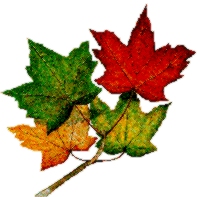 |

This is a jpg file that has been made smaller (7K small) |

Same picture but altered into a gif file, see the differences (16K double!!) |