Some of my older desktop screenshots...


12-05-03

12-05-03
desktop

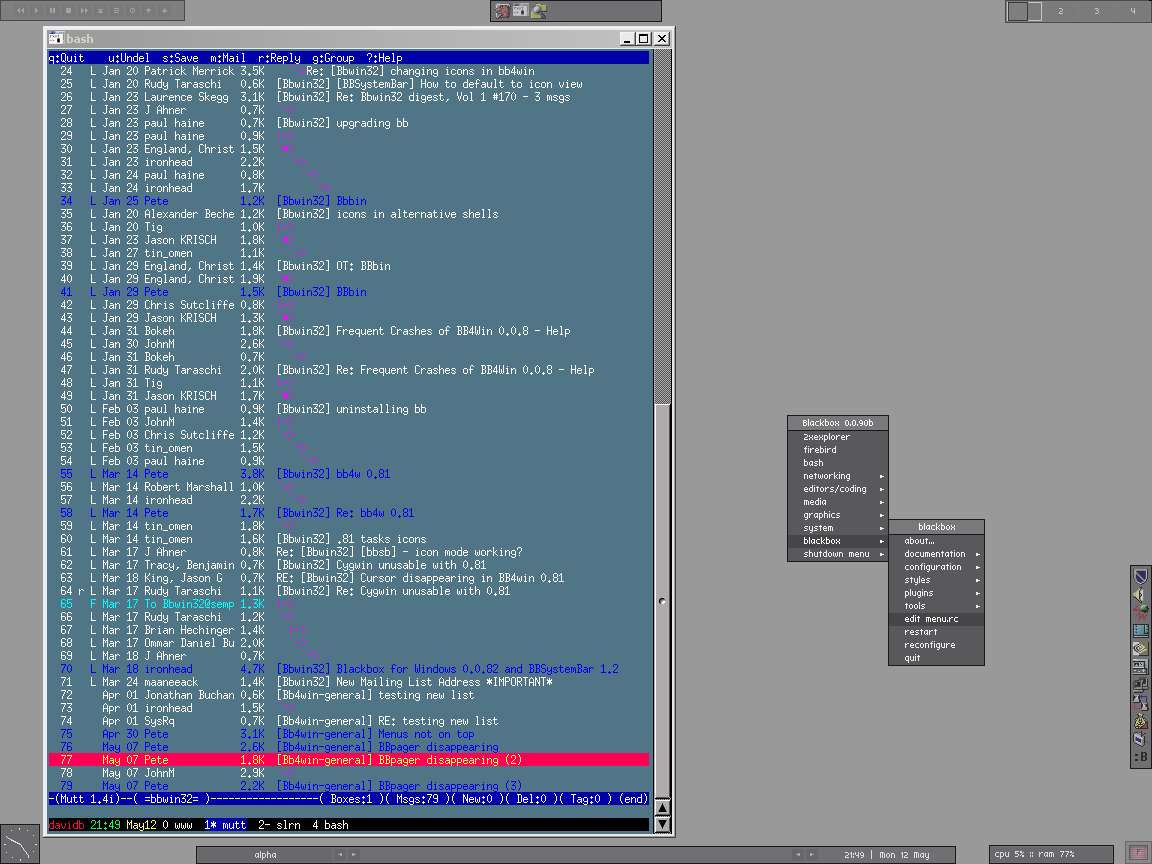
First screenshot for ages... BB4Win is still in place :-) The style is based on MillaJ, but modified slightly by me. Quite a few plugins scattered around the screen, including BBAnalog, BBSysmon, BBBin, BBTray, BBPager, BBSystemBar and multiamp (see the BB4win plugin list for details). The app shown on the desktop is an rxvt window, running GNU Screen (a terminal window manager) through Cygwin. I've got my normal apps running - links, mutt, slrn and a bash session.
23-02-03

23-02-03
desktop

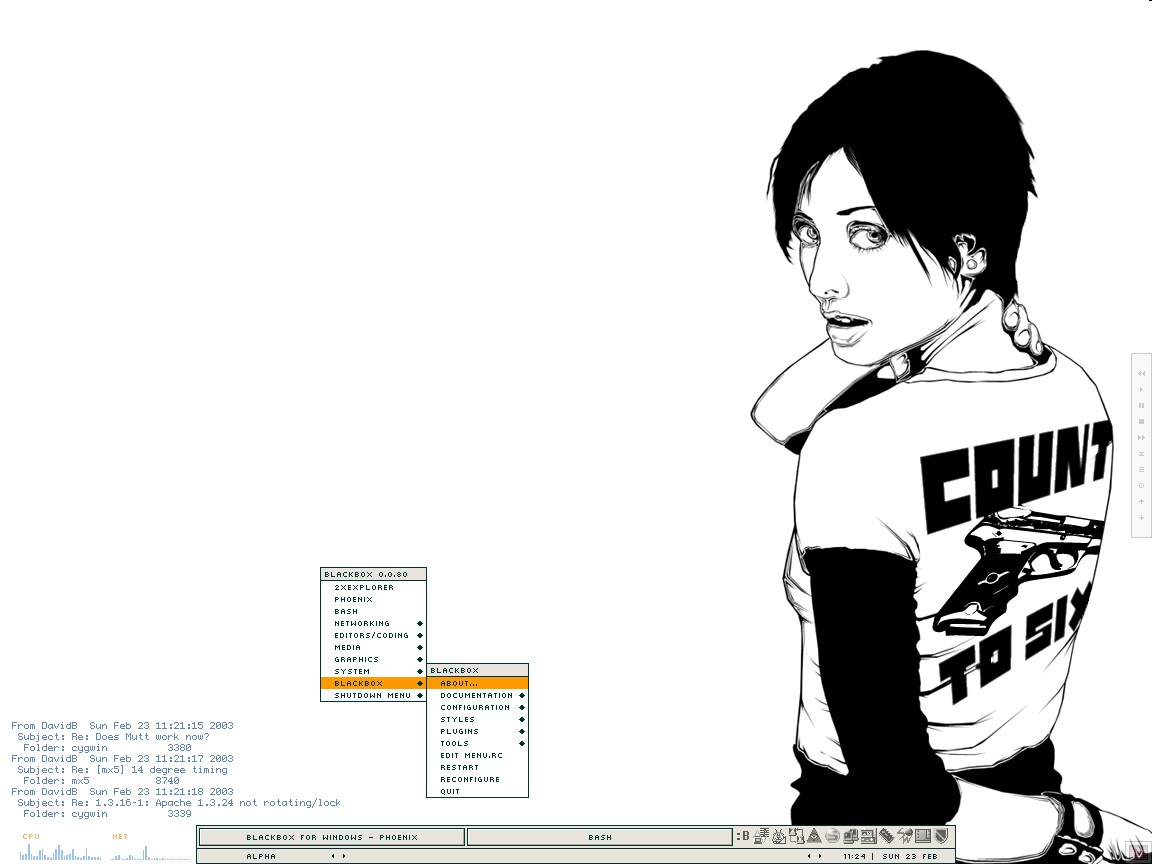
Still using BB4Win - it's truly superb :-) The Blackbox theme is aeffect by splat, which is available from freebOrn's great Blackbox style repository. The wall is "a requiem for eleanor rigby", from here. Samurize v0.80a is displaying information directly on my desktop in the bottom-right corner - a couple of simple meters for cpu and net activity, and also a display of my procmail log (showing which folders my most recently delivered email has been delivered). Procmail is running in conjuction with fetchmail through cygwin.

12-01-03

12-01-03
desktop

First new wallpaper of 2003 :-) Bit of a change here - I'm having a go with BB4Win (Blackbox for Windows), and I think this may become my regular shell. It's quick and minimal, and looks lovely (well, I like it). I'm using the recently released 0.0.80 beta version, which gives you a bit of extra control over the system tray (mine is coloured according to the bar colours in the screenshot). The bar with the tasks and system tray can be toggled on and off with a single click (or keyboard shortcut) for an even more minimal look ;-) The Blackbox theme is iceqube, by dreamer (BB4Win can use also use themes produced for the original Blackbox window manager on Linux, so there are loads available). Also shown is the winamp control bar (the Multiamp plugin), and winamp itself (skinned as on 20-12-02). The wall is "Power Symbol", from here.

20-12-02

20-12-02
desktop

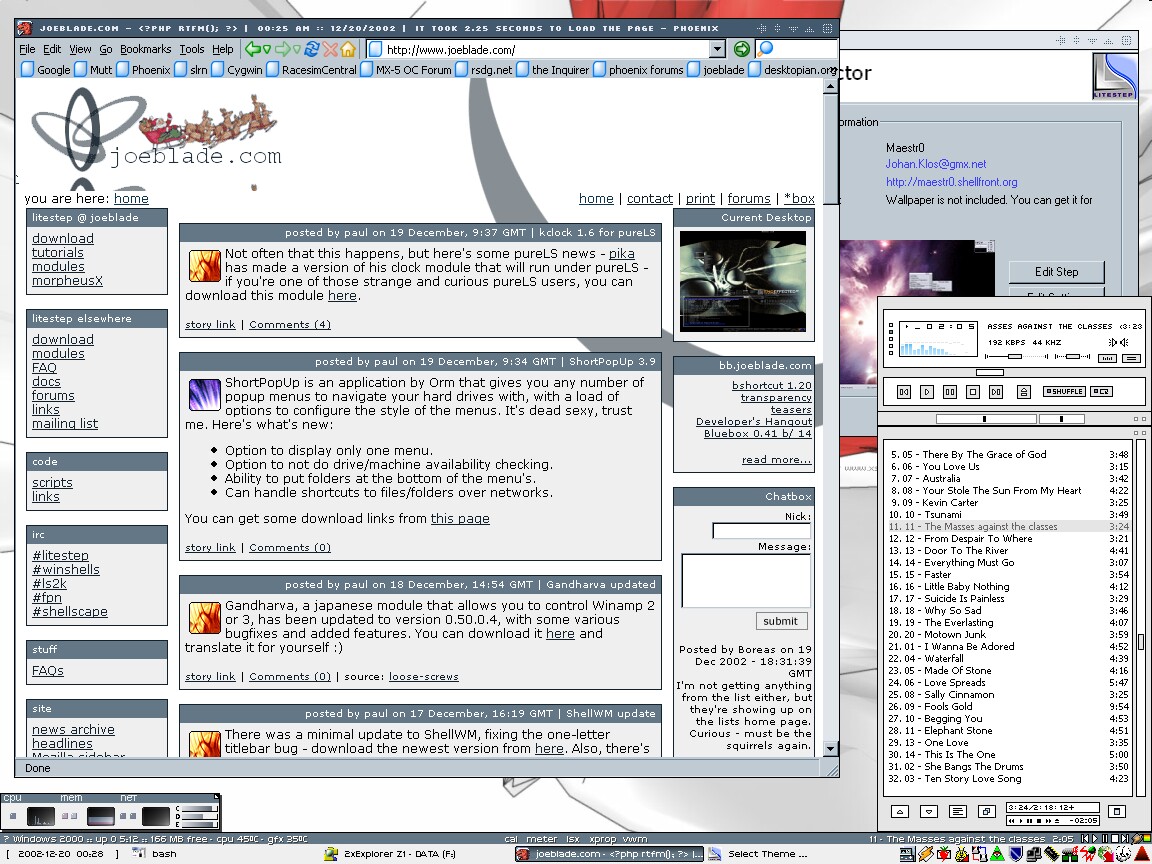
Desktop itself hasn't changed, but I though I'd put up a shot showing a new open-source program in action - ShellWM. This lets you skin windows in the same way as WindowBlinds, allowing you to change the fairly boring default Windows, er, window titlebar graphics to something a bit nicer :-) The screenshot shows a foreground window (Phoenix), and a background window (the LS theme selector), with fancy new titlebars (based on the Simplicity-OTS theme that is bundled with ShellWM). Also shown is Winamp with a skin based on LemonFactoryRemake, but hacked slightly by me.

15-12-02

15-12-02
desktop

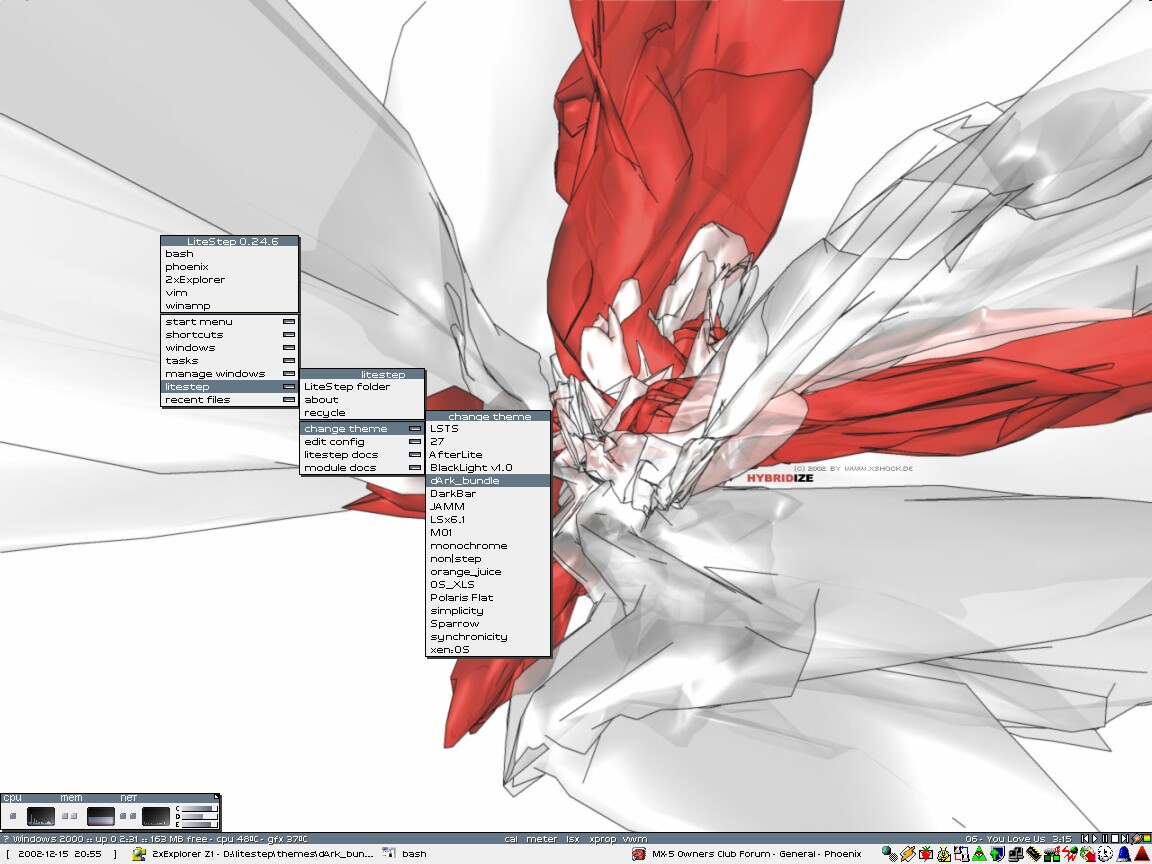
Got bored with Xplanet, so back to my nice older wallpaper :-) Litestep theme has been changed to dArk_bundle, which is very cool - lots of nice toys, like toggles for rainmeters (cpu, ram, net meters), Xprop (zoom window), calender etc. etc. Plus very compact, but loads of infomation is visible. Nice :-)

05-12-02

05-12-02
desktop

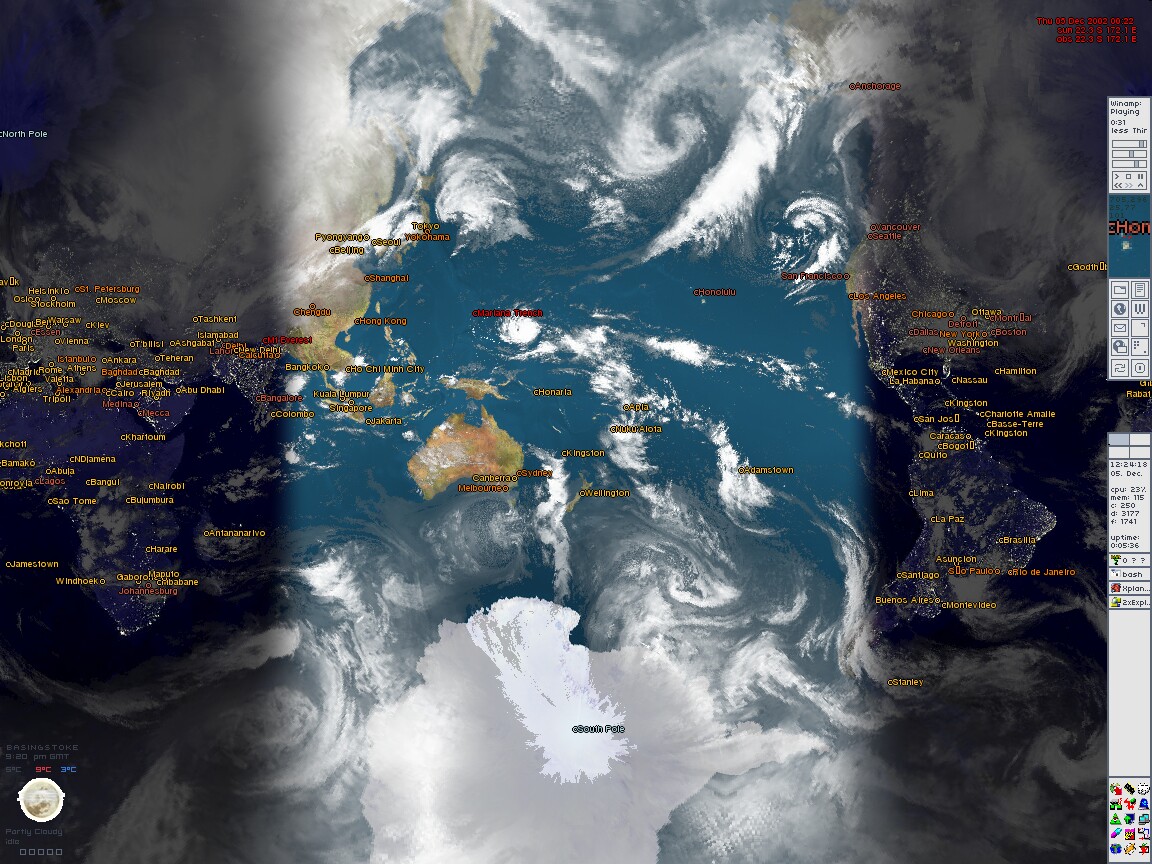
Using Xplanet as the background wallpaper - cool app that continuously updates the wallpaper to show the Earth's position as it is at that time

23-11-02

23-11-02
desktop

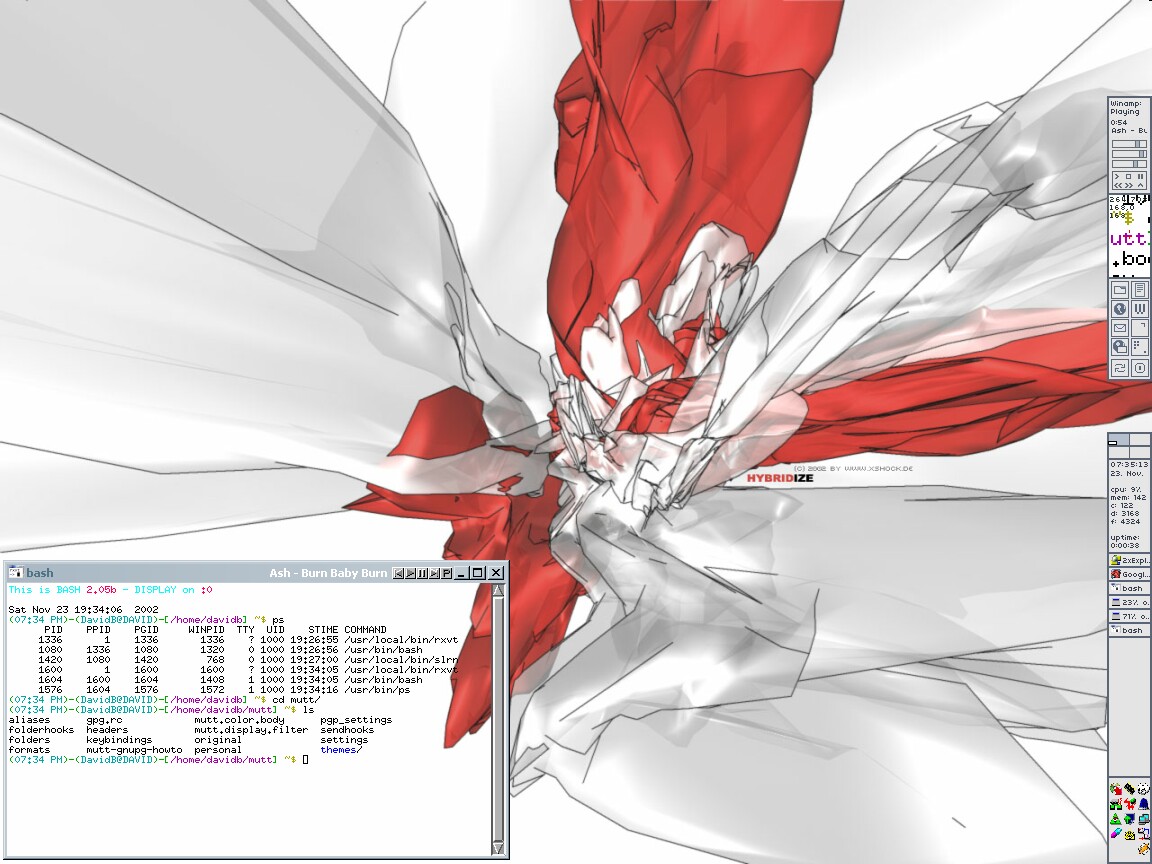
Background is from xshock.de (it's called "Hybridize"); the Litestep theme is "Polaris Flat" by frantic; again, cygwin is shown on screen running in a transparent rxvt terminal (with a fancy customised bash prompt :-))

08-11-02

08-11-02
desktop

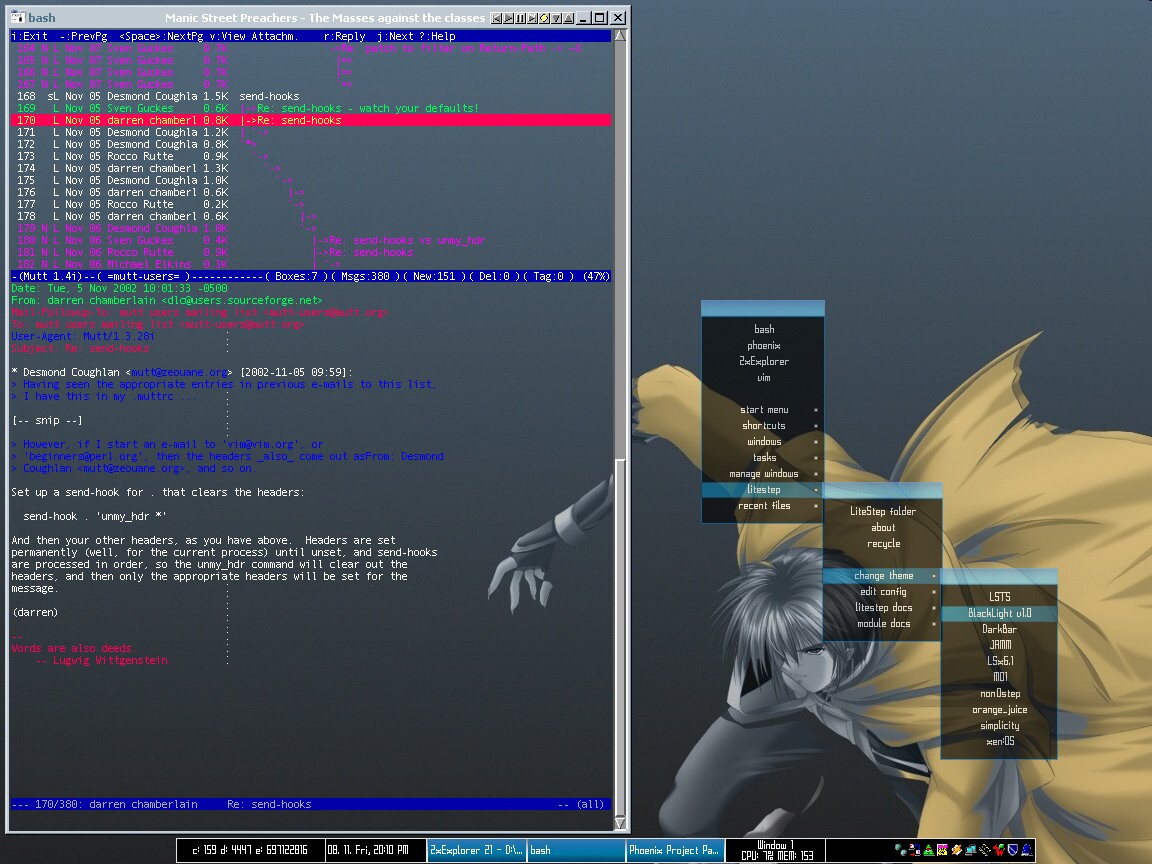
I've switched from using Litestep as my shell; the theme being used is the rather lovely "Blacklight" by frantic (the right-click menu is also shown); background is, er, from another Litestep theme (can't remember which one...); mutt is shown on screen, running through cygwin in a transparent rxvt terminal

18-10-02

18-10-02
desktop

Background is a simple cloud image I found somewhere. Geoshell is being used as the shell. Two transparent rxvt terminals are running cygwin; one shows a bash prompt,the other has mutt (with a nice threaded and coloured display of the mutt-users mailing list)

09-09-02

09-09-02
desktop

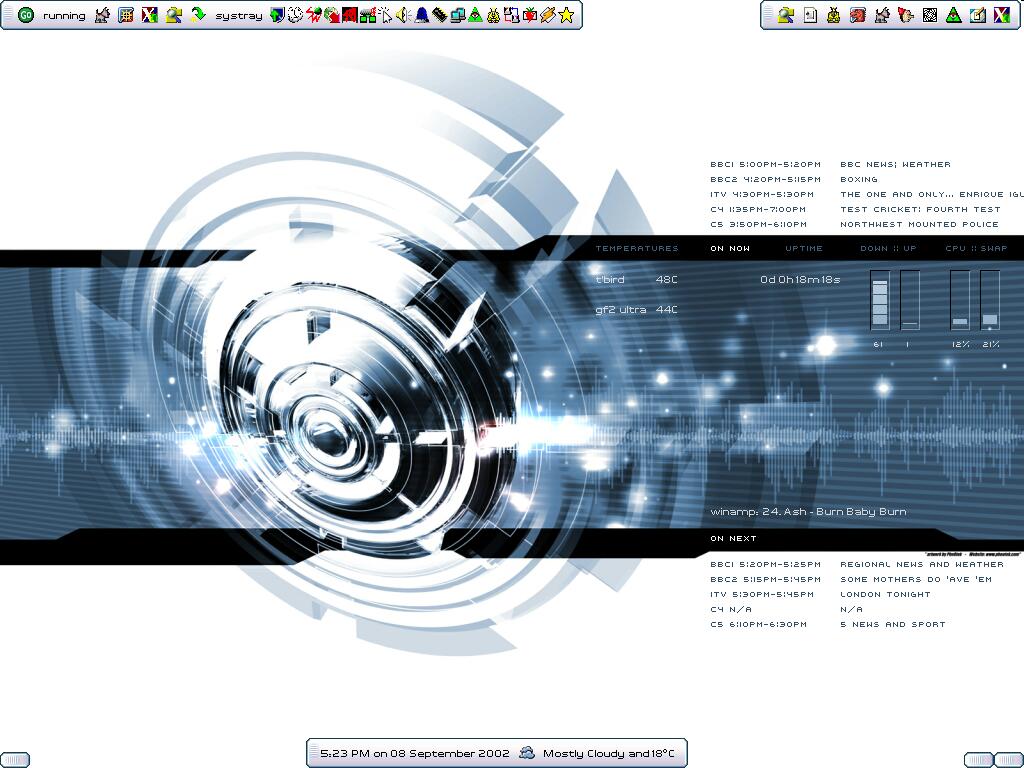
Background is called "Noisesoundandmusic"; the shell is Geoshell; samurize is being used to display system info on the wallpaper (network performance, cpu/ram usage, component temperatures, uptime, winamp info and TV listings)

Hosted by www.Geocities.ws

1