Browser Setup
Some information about how my PC is setup to browse the web.
My software SetupMy Xnews Pages |
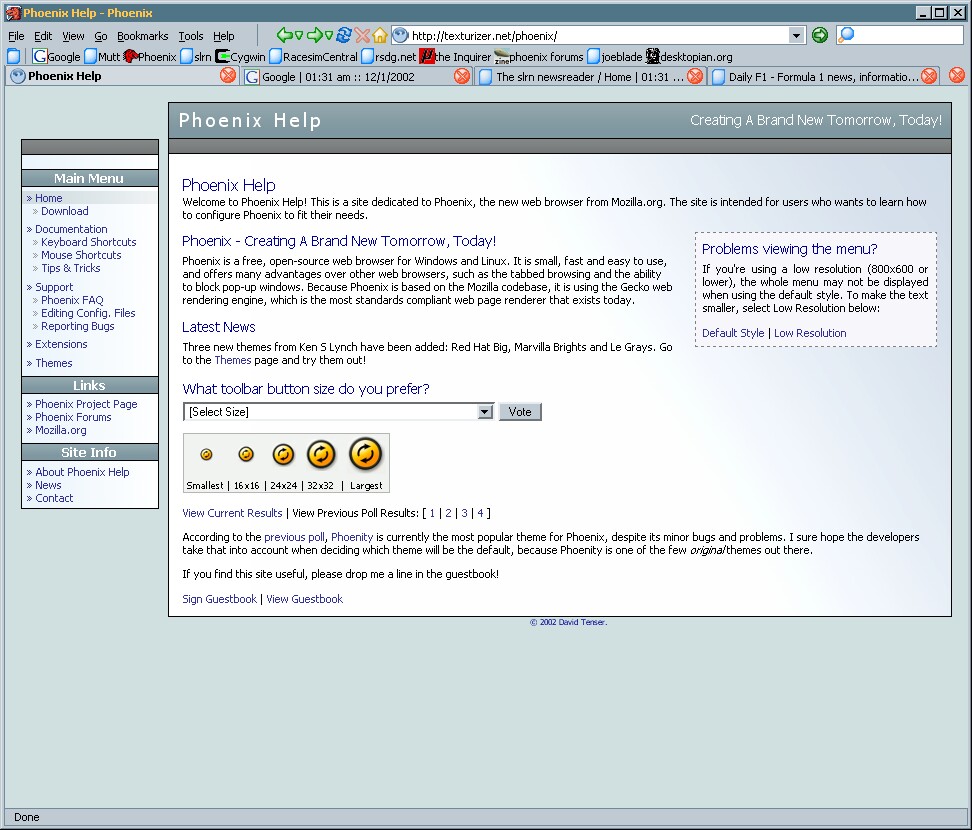
Web browsingI use Phoenix as my browser. This is based on Mozilla (an open-source development of Netscape, that comes without any of the AOL/Time Warner stuff), but slimmed down for maximum speed (both opening the app, and rendering HTML). It has a number of useful features (tabbed browsing, ad-blocking [but see the information below about Proxomitron too] etc.) that are useful, and I find it faster than IE, but one of the main benefits is the additional security offer by not using IE.
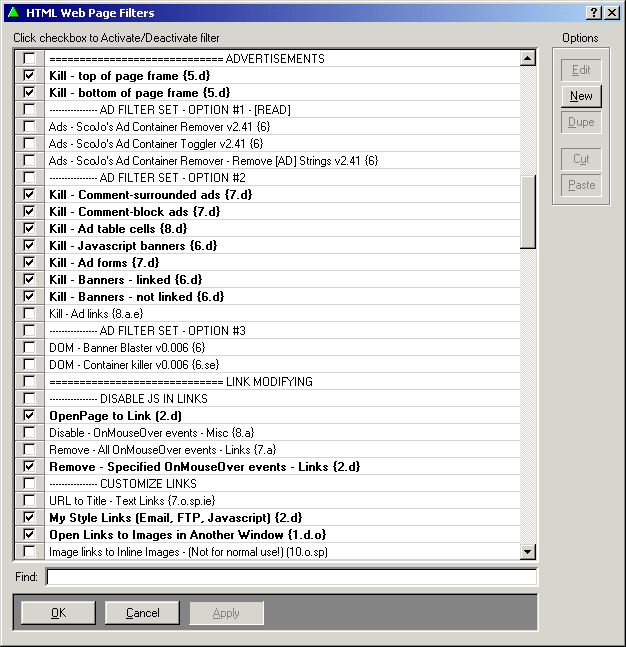
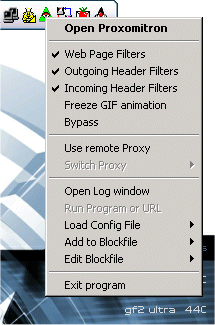
Web filterI don't like wasting my time and bandwidth downloading adverts and other such rubbish that I never look at anyway. So, I use Proxomitron as my local web proxy. This fantastic program is hugely customisable, but 'out of the box' it can block pop-up ads, banner ads, and far more. It can also act as a web-filter, which opens up lots of possibilities - referrer URLs can be changed to ones that go directly to the link, you can stop pages forcing you to open new windows, Flash animation can be replaced with a clcikable URL (in case you want to see it), etc. etc. There is absolutely loads of custom filters available for Proxomitron, I'd recommend a visit here get a great collection of really useful stuff.
| Useful LinksContact
|

 130350453
 davidgb75
 d4vidb