To load reference footage, select Reference  Load Reference Frames... from the menu bar.
There is a sequence of 20 frames in the clip project's pix directory. Click to highlight the frame backdrop.1 in the Files column of the file browser.
The Reference Load Options window opens.
Click in the edit field beside Start and type 10. Press Enter. Click the Load button and the reference frames begin to load.
SoundSync looks at the frame number of the selected image and attempts to load all frames forward from this point until the continuous frame sequence is broken.
As the frames are loaded, SoundSync displays a running total and indicates the frame range that has been selected as follows:
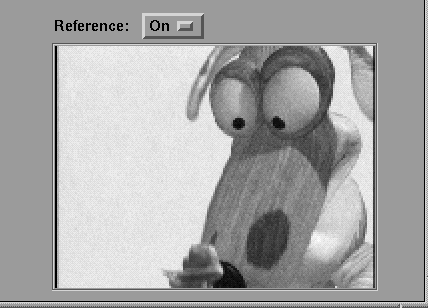
Once the reference frames are all loaded you can view the reference frames as follows:
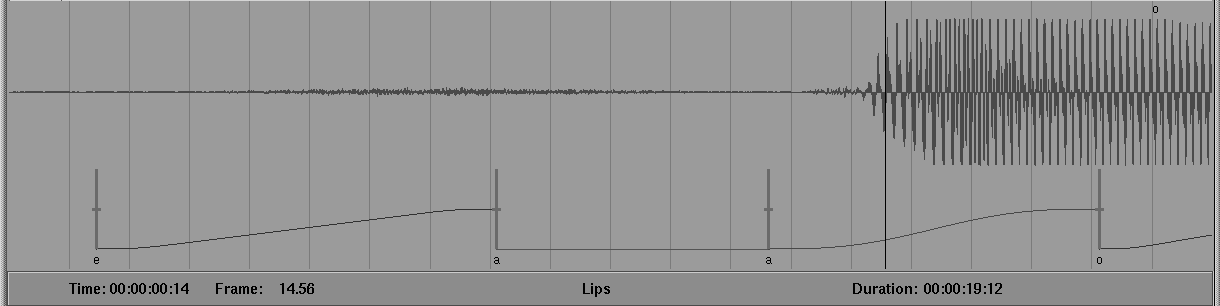
Zoom To Reference Frames and the reference frames fill the soundtrack window as follows:
The reference footage feature is very useful in aligning character or background motion to lip sync or facial animation.
Select Reference Delete Reference Frames to discard the current reference footage.
Reload the footage starting with backdrop.10. By selecting backdrop.10 only frames 10 -20 are loaded.
When the reference footage that goes from 10 to 20 is loaded, you need to adjust the offset for the playback as follows:
Set Reference Time [00:00:00:00].
|
When you select Reference Set Reference Time [00:00:00:00] after the first
time, the 0s are replaced with the last frame location you set the reference
footage to.
|