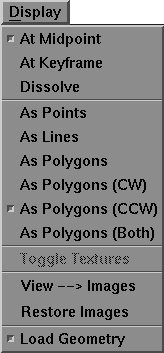
With the mouth zoomed in, we can also look at some of the additional drawing modes that are provide with SoundSync. These drawing modes are controlled by the middle portion of the Display menu which appears as follows:
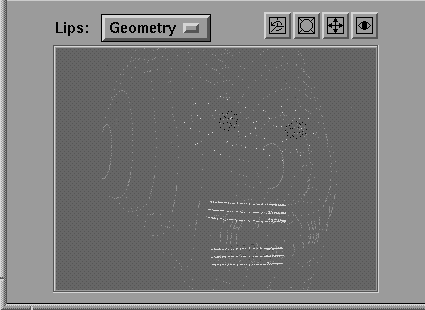
Select Display  As Points to display the face as vertices only. The face now appears as follows in the Keyset window:
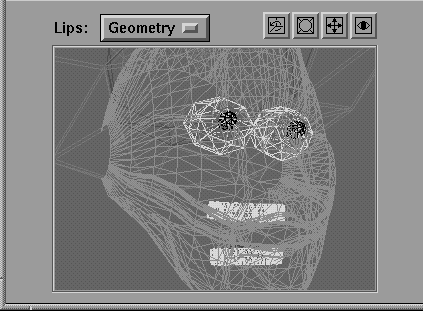
Select Display As Lines to display the polygonal mesh that was generated when the face was tessellated. The face now appears as follows in the Keyset window.
Return to viewing polygons by selecting Display As Polygons.
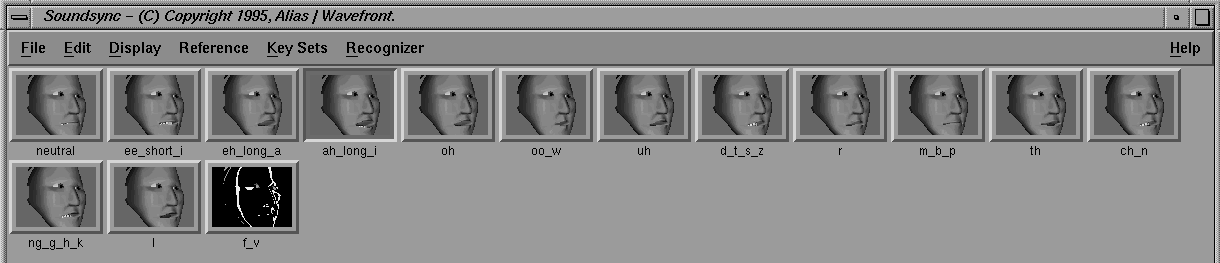
Now select Display View-->Images. This command grabs key images for the geometry window and replaces the images currently stored with each keyshape. All of the images in the keyshape area at the top of the window are replaced with the newly grabbed images as follows:
With the Keyset window still in Geometry mode: