


To reposition the character in the Keyset display window:
- Select Geometry mode in the Keyset window menu.
- Use the mouse to position the face in a close-up centered on the mouth.
You can use the mouse to position the face in two different ways:
- With the mouse in the geometry window, the three mouse buttons correspond to rotation (left), position (middle), and scale or zoom (right). The rotation control is a virtual trackball, the position control is a direct manipulation in X and Y, and the scale control zooms the object according to mouse movement.
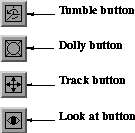
- Using the View Control buttons with the mouse.
The view controls for the Keyset and Mixed windows appear as follows:
|
For information about using the view controls, see the View Controls section
earlier in this chapter.
|
Using the view control buttons move the character in the Keyset window:
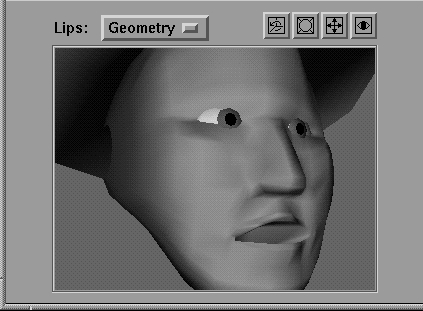
SoundSync changes the stored keyshape images to a grabbed image from the geometry window when you use the view controls.
[email protected]
Copyright © 1998, Alias|Wavefront, a division of Silicon Graphics Limited. All rights
reserved.