This tutorial introduces the general concepts of MotionSampler, including the creation of pipelines, the manipulation of scenes, and the sampling, recording, and playback cycle.
| This tutorial assumes that you have copied the clip project from the 3DCD into a local project directory and that your ALIAS_PROJECT and ALIAS_WORKENV variables are set correctly. If this is not the case, see the Introduction on the previous page for information about setting up this tutorial. |
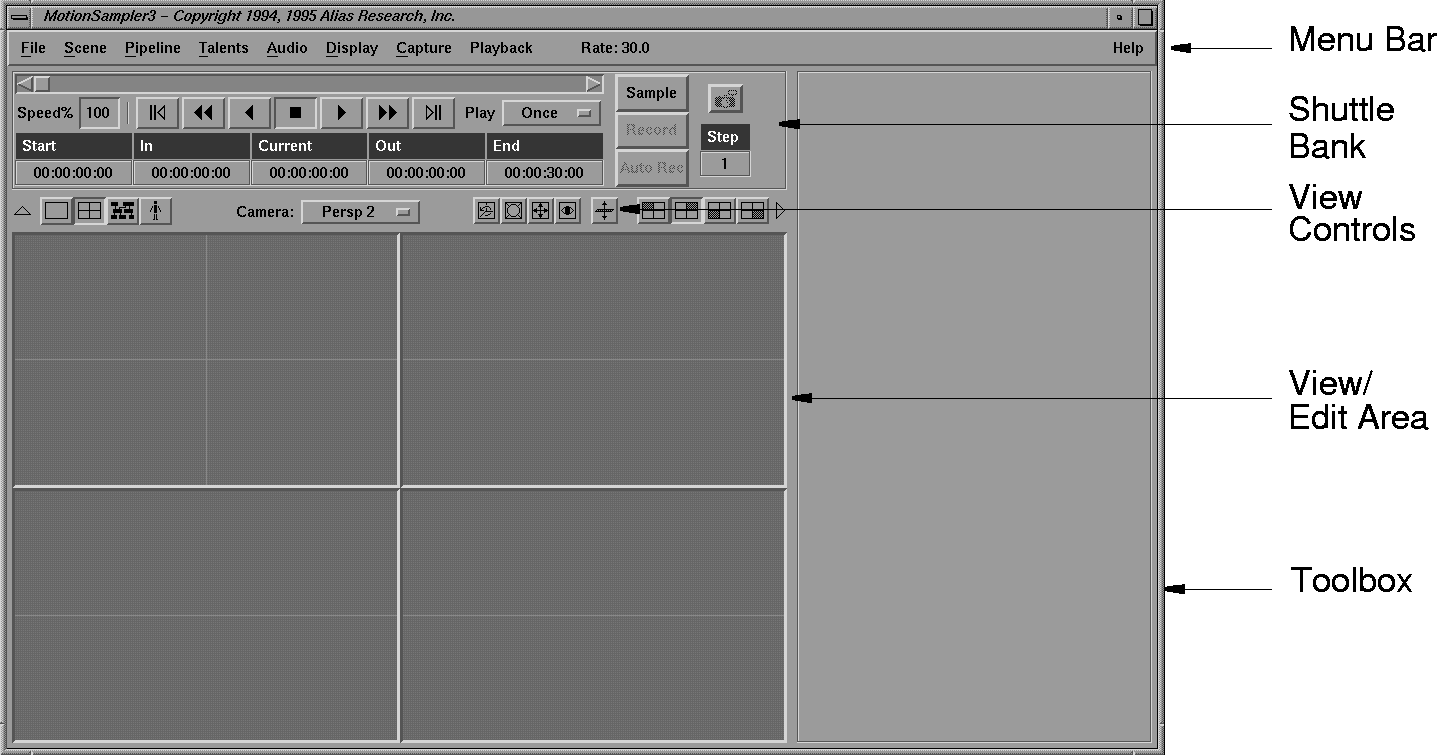
MotionSampler contains four main areas-the Menu bar, the Shuttle Bank, the View/Edit area, and the Toolbox. MotionSampler appears as follows: