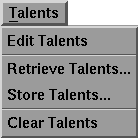
The Talents menu appears as follows:
The menu options are selected by dragging down until the option you want is highlighted. The option functions are as follows:
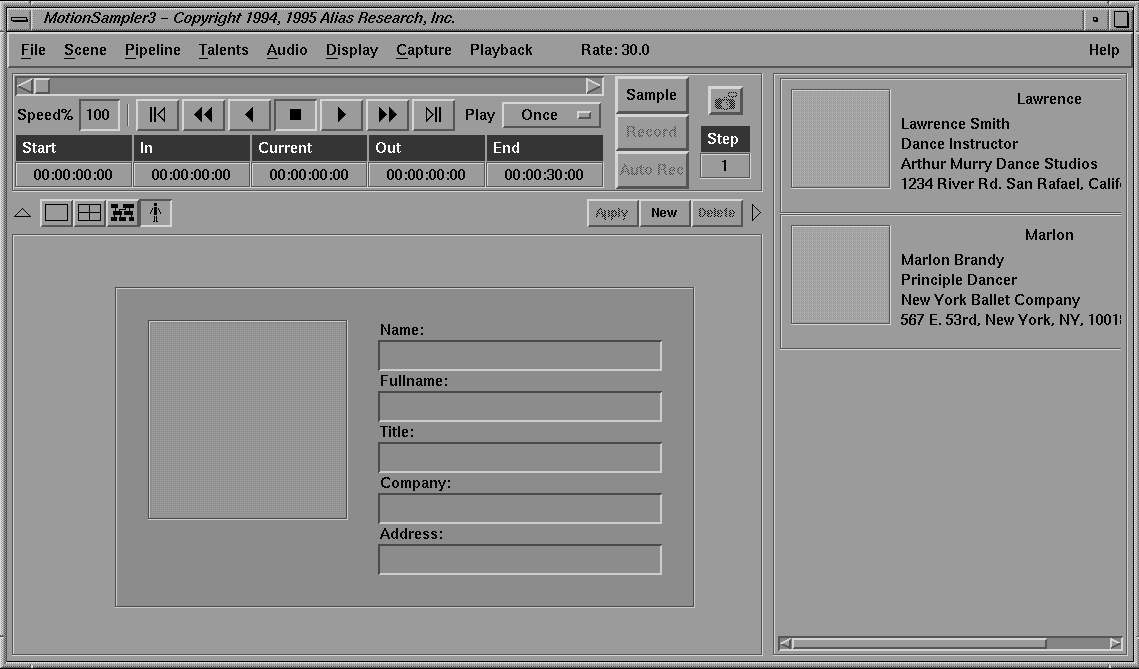
Selecting Edit Talents opens the Talent Editor mode of MotionSampler which appears as follows:
The Talent Editor mode can also be opened by clicking the following button:
Selecting Retrieve Talents... is the same as selecting File  Retrieve Talents....
Selecting Store Talents... is the same as selecting File Store Talents....
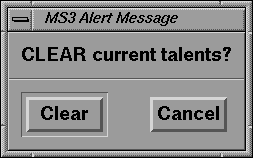
Selecting Clear Talents opens the following message box:
If you click the Clear button, MotionSampler deletes all of the talents currently loaded as well as their individual calibrations. Individual talents can be deleted in the talent editor. Any calibrations that have been loaded into plugins are not deleted. This option is useful if you want to cut and paste calibrations between talent files.