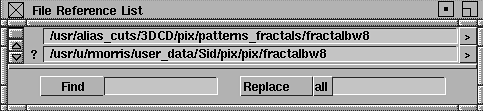
You can edit any of the list entries. Any changes you make are reflected in all referenced paths shown in other editors.
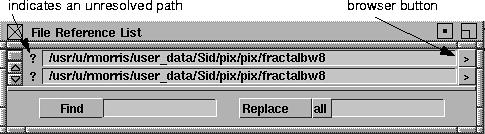
If the system cannot resolve the links shown in a path, a question mark (?) precedes its entry .
To browse through files for a replacement path, use the browser (>) button.
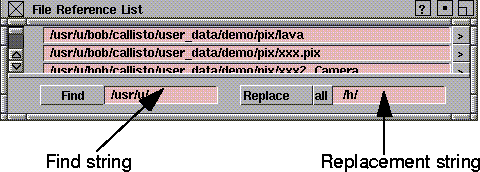
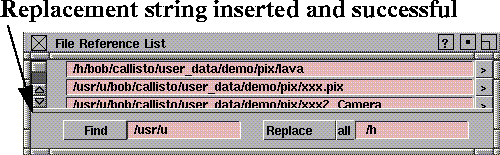
You can edit paths in the fields provided, or use the Find and Replace buttons at the bottom of the lister to perform global changes. To replace all found instances of the Find string, use the Replace All selection.
How to Use
To look for and fixed unresolved links:
-
1
-
Select File > Show > File References. The File Reference List appears. It indicates (as in the diagram in the previous section) that there are unresolved links.
-
2
-
Click the browser (
>)
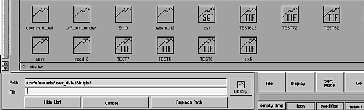
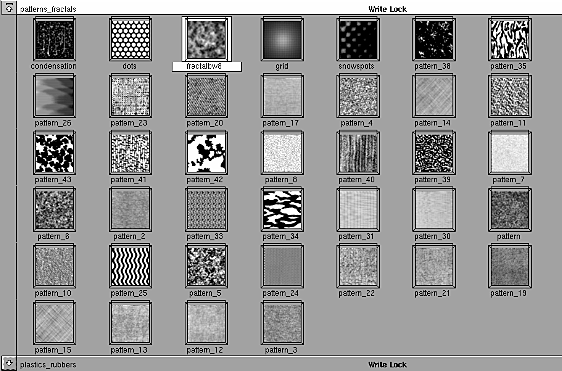
button to find an alternate path for the unresolved link. The browser appears.
|