|
DisplayTgls > Selection handles |
Viewing Selection Handles | ||
|
| |||
Toggles the visibility of all selection handles, without affecting the object or node that the selection handle is attached to.
| |||
|
For more information on selection handles, see Creating Selection Handles on page 229. |
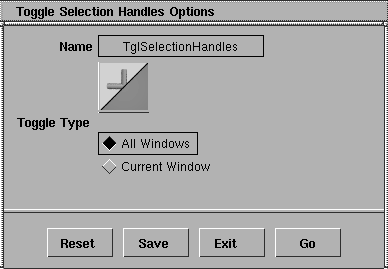
How to UseSelect DisplayTgls > Selection handles. All the selection handles disappear from the modeling window. The appearance of the selection handle in the ASBD window is not affected. To make the selection handles visible, select DisplayTgls > Selection handles again. Toggle Selection Handles Options
Toggle TypeAll Windows
Current Window
|
| Copyright © 1998, Alias|Wavefront, a division of Silicon Graphics Limited. All rights reserved. | Please send questions or comments regarding the documentation to: [email protected] |