|
DisplayTgls > ObjectToggles > Image planes |
Displaying and Hiding Image Planes |
|
| |
Turns the display of image planes on or off, without affecting their display types. | |
|
For information about removing an image plane, see Deleting Image Planes on page 323. |
If no selected image planes are currently toggled OFF, then the tool toggles all image planes OFF. (Otherwise, it toggles all image planes ON.) How to Use
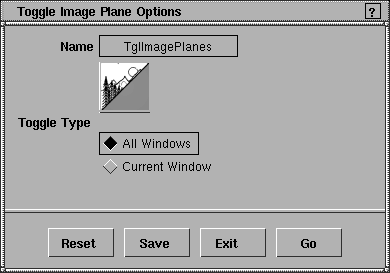
Toggle Image Planes Options |
|
Select DisplayTgls >
ObjectToggles > Image
planes- |
All Windows
Current Window
|
| Copyright © 1998, Alias|Wavefront, a division of Silicon Graphics Limited. All rights reserved. | Please send questions or comments regarding the documentation to: [email protected] |
 . In the window that appears, specify whether you want the toggling to occur in the current window or in all windows.
 to open the