|
Deletes one or more image planes.
How to Use
-
1
-
Select Delete > Del image planes -
 to open the Delete Image Plane Options window. to open the Delete Image Plane Options window.
- To delete all image planes in the current universe, check All Windows.
- To delete all images that are connected to the current window, click Current Window. Invisible image planes are also deleted.
-
2
-
Click Go
.
-
A confirmation box appears asking if you want to delete
all the image planes.To proceed, click YES or type the
letter y. (No action is taken if you click NO or type the
letter n.)
Delete Image Plane Options
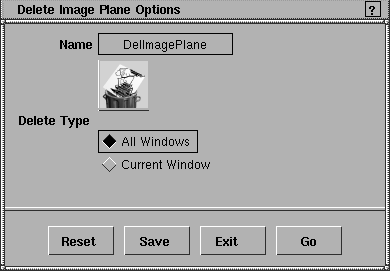
All windows
-
- Deletes all image planes in the current universe.
Current Window
-
- Deletes all images that are connected to the current window. Invisible image planes are also deleted.
|


